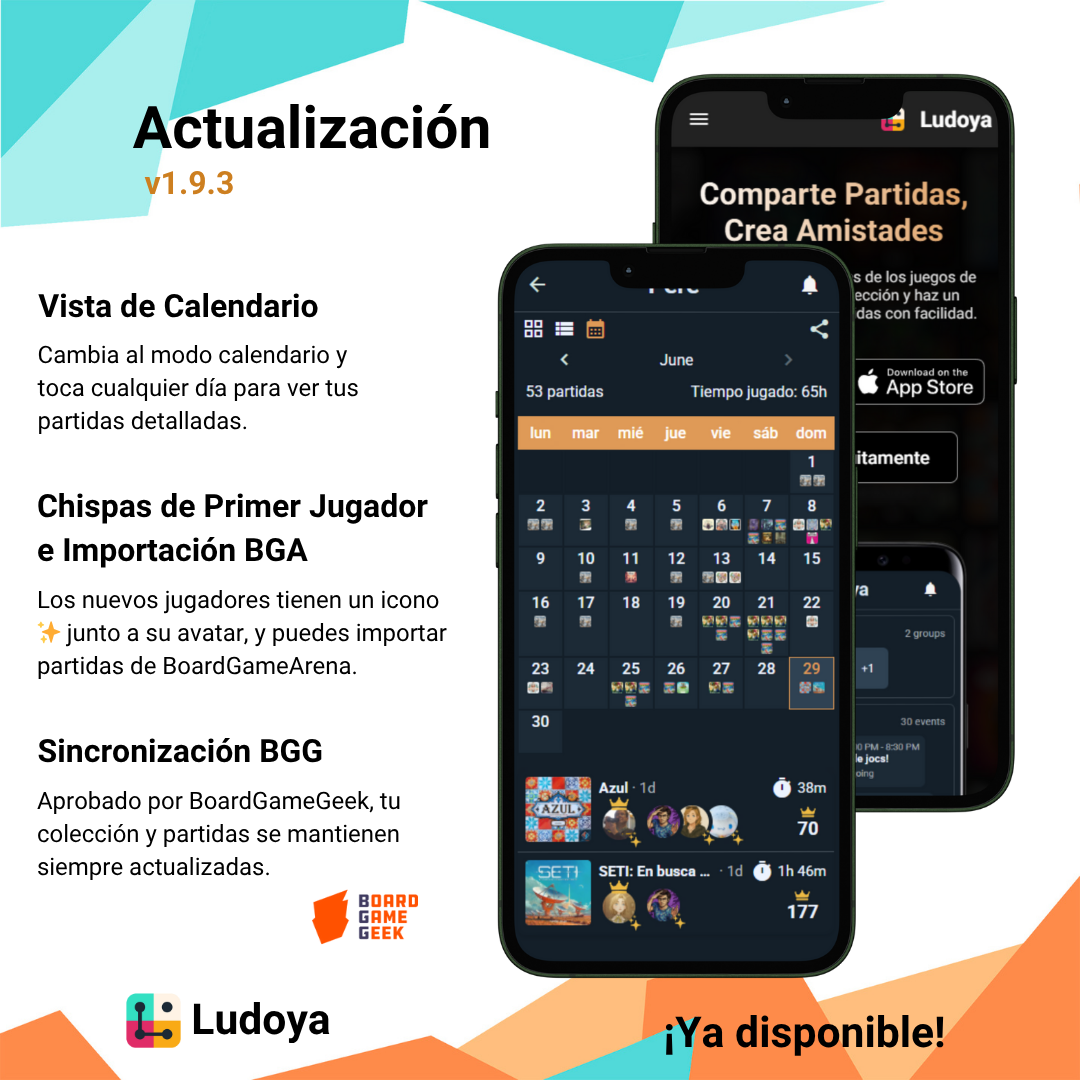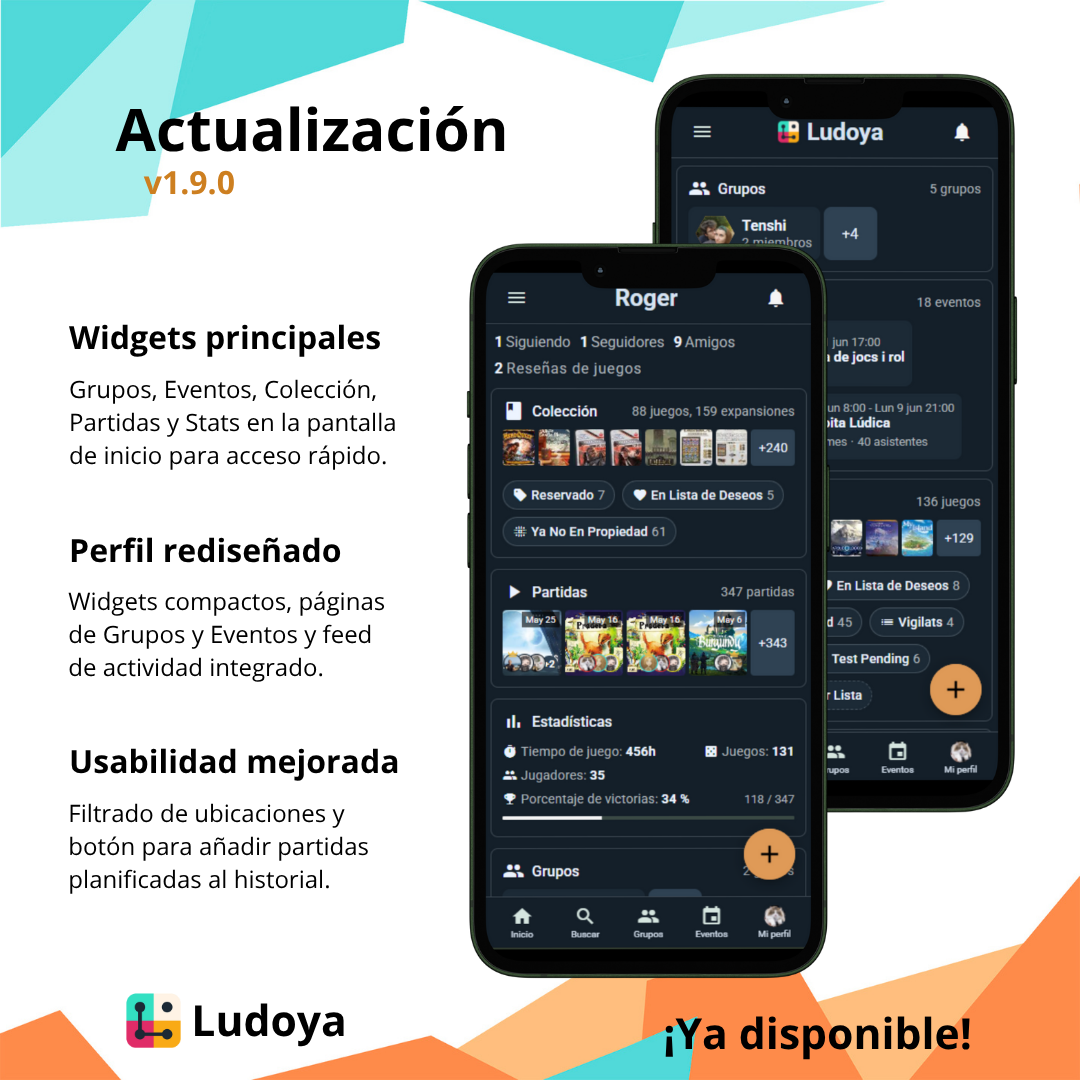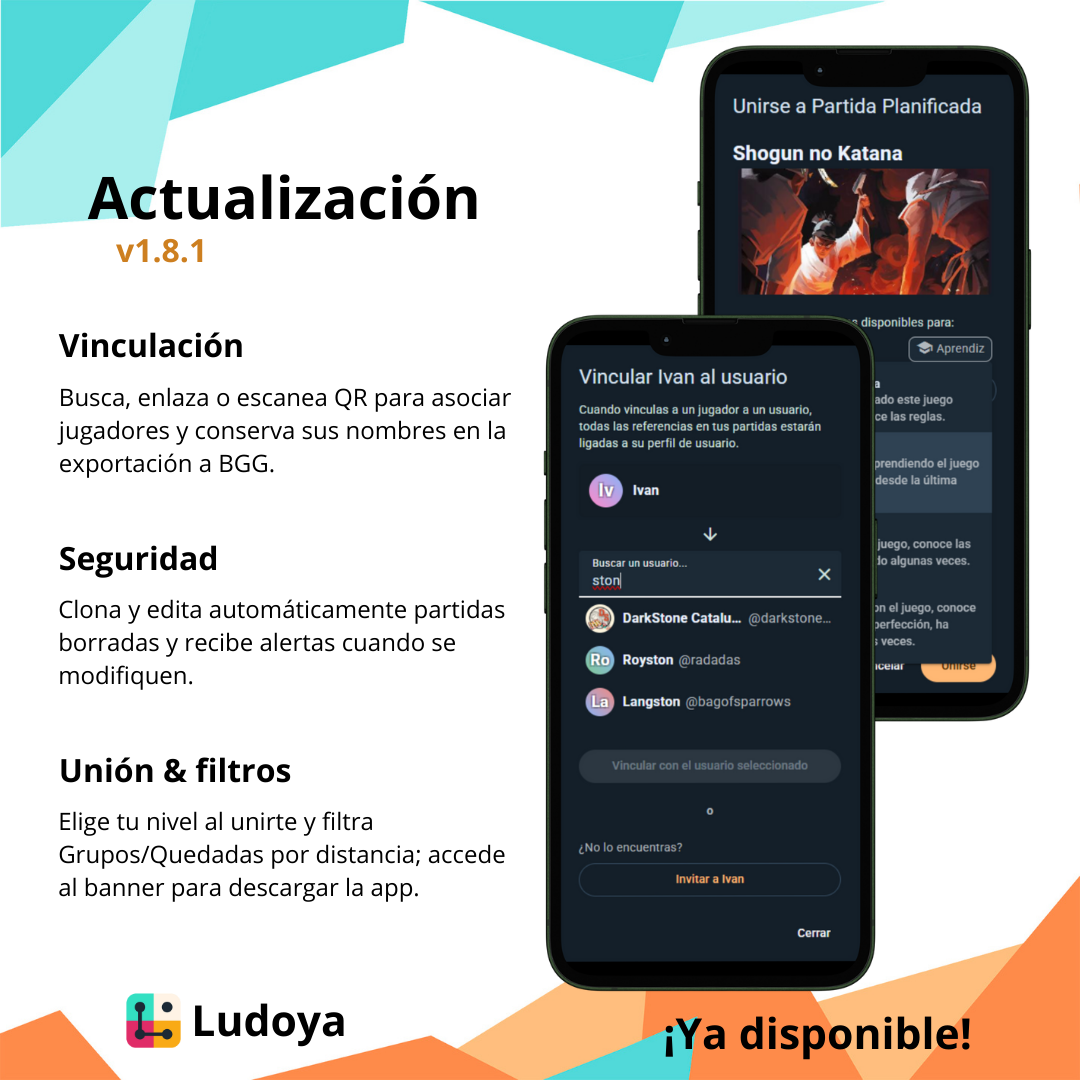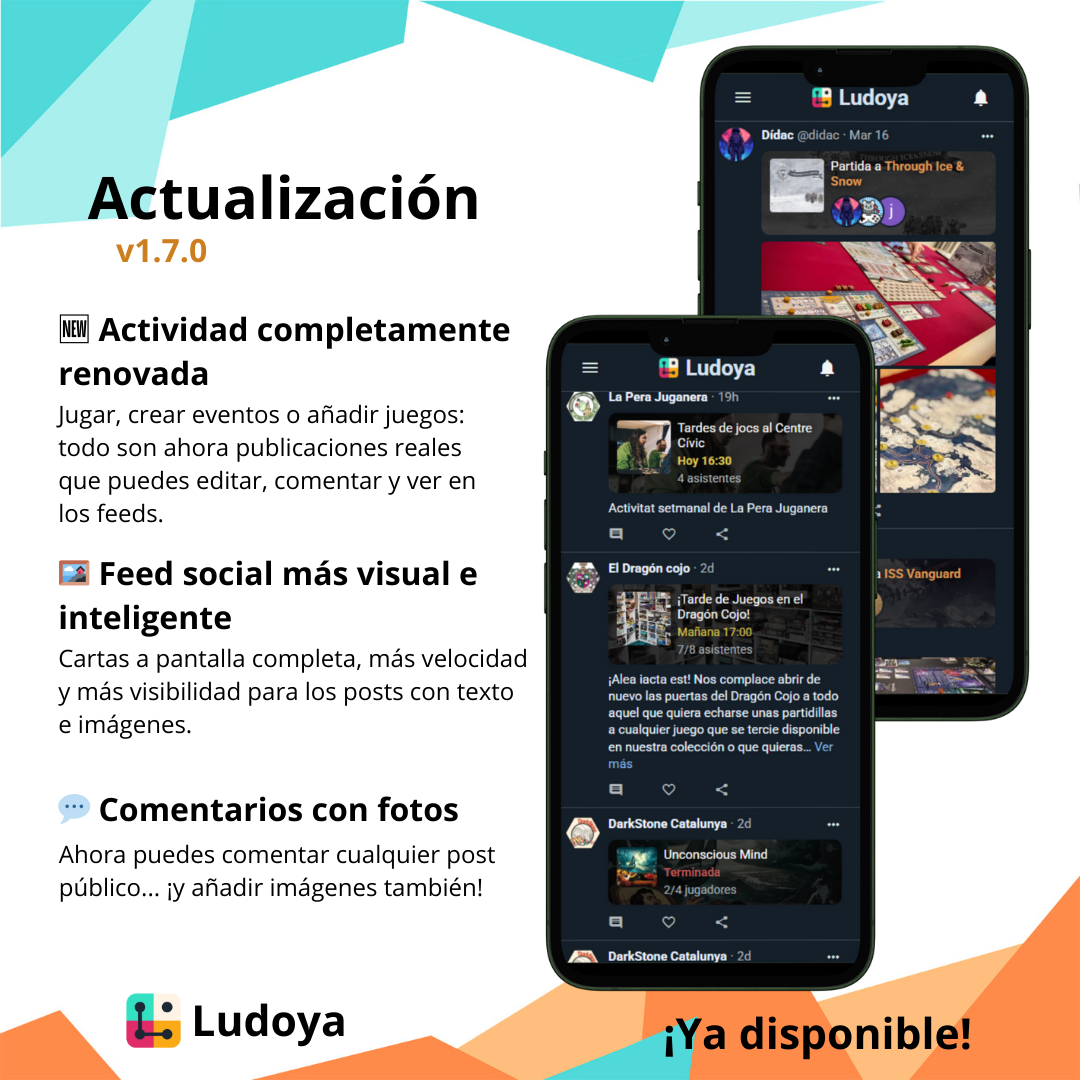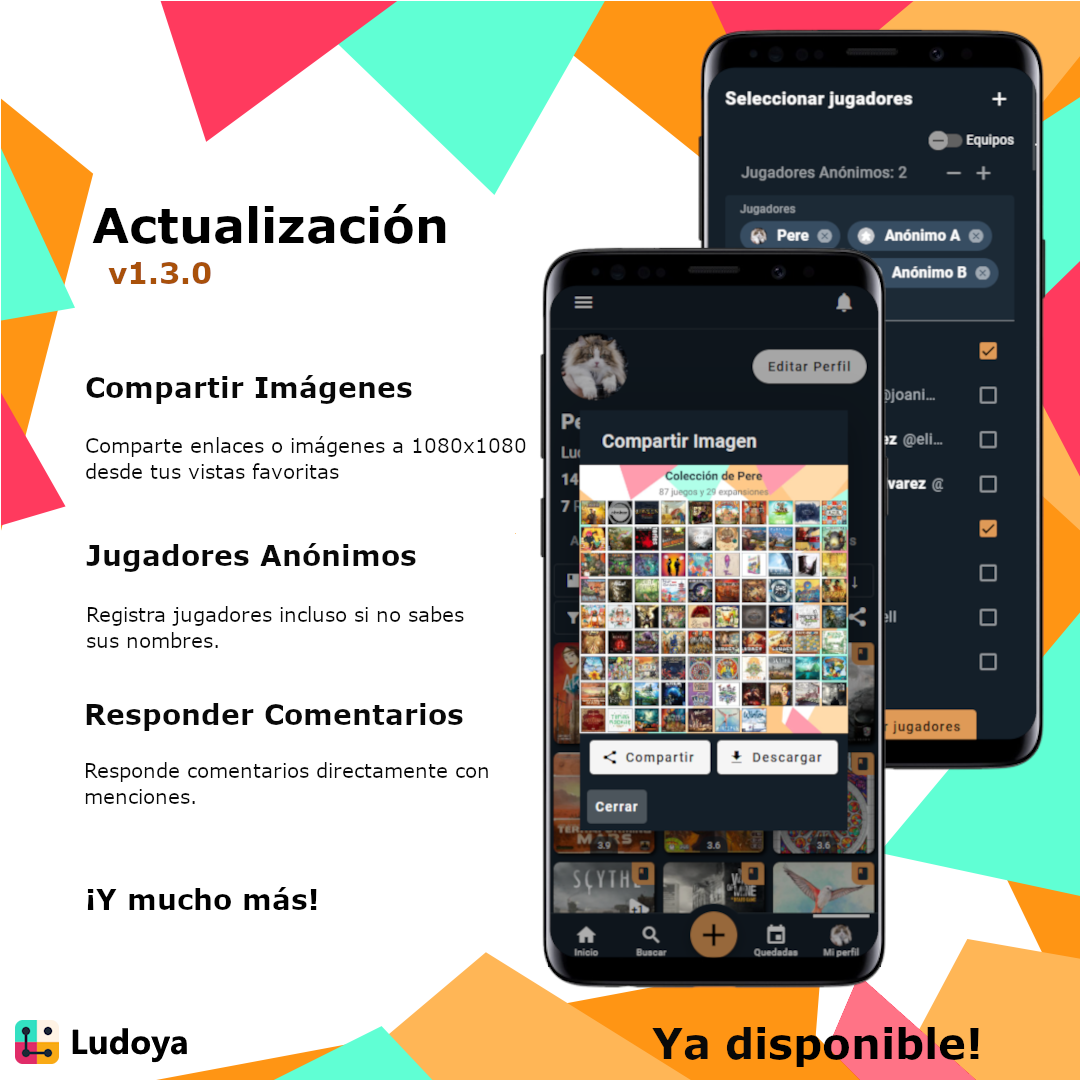
Update v3.3.0
Two weeks after 3.2: your shelves now come in 3D and Ludoya can arrange them for you, you can log a whole play just by saying it, and plays remember whose home and whose copy they were played with. Discovery now runs on your taste, and raffles can count the games people played.
Your shelves, in 3D
- Shelves: build your furniture (Kallax, bookcases, cabinets) and see every box where it really is, in 3D. Lay a box flat or stand it up, and stack things on top.
- Arrange: Ludoya lays out your shelves for you. Big boxes stand when there are walls, heavy games go low, boxes of one size sit together, and "It fits" silences a warning you don't care about. Clear a shelf, a piece or everything with one Undo.
- A shelf-by-shelf guide to put the plan into practice, and drag a game onto any shelf.
- Tidy up typed locations: years of "Living room, shelf 2" become real shelves, places and "stored inside" boxes, and any tidy-up can be undone.
- Go through my shelf: answer "Want to play it?" and rate your games one by one, unanswered first.
- Want to play it? now has four answers: Need to play, Interested, Maybe and Pass. Set it, rate and review right from the game's card in your collection.
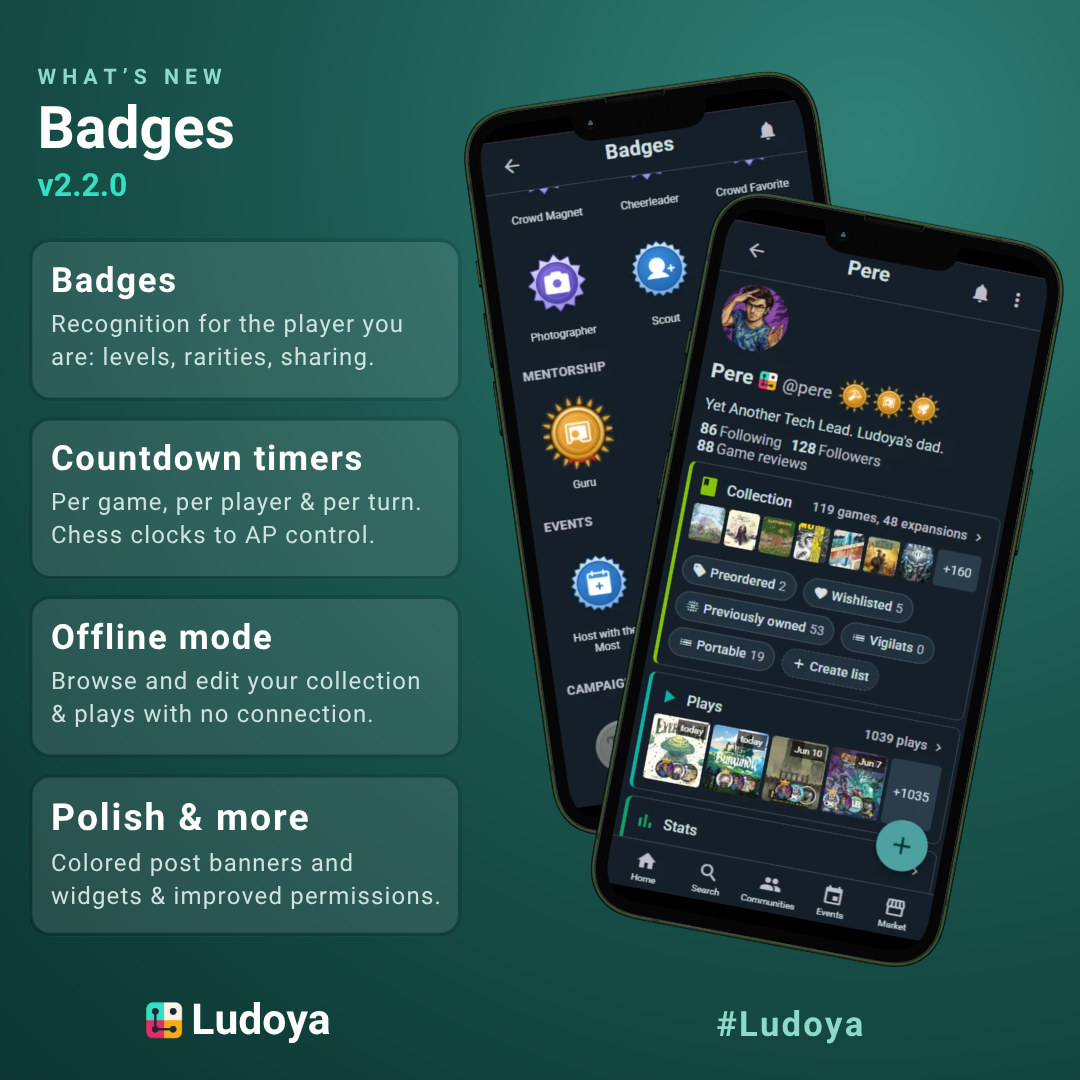
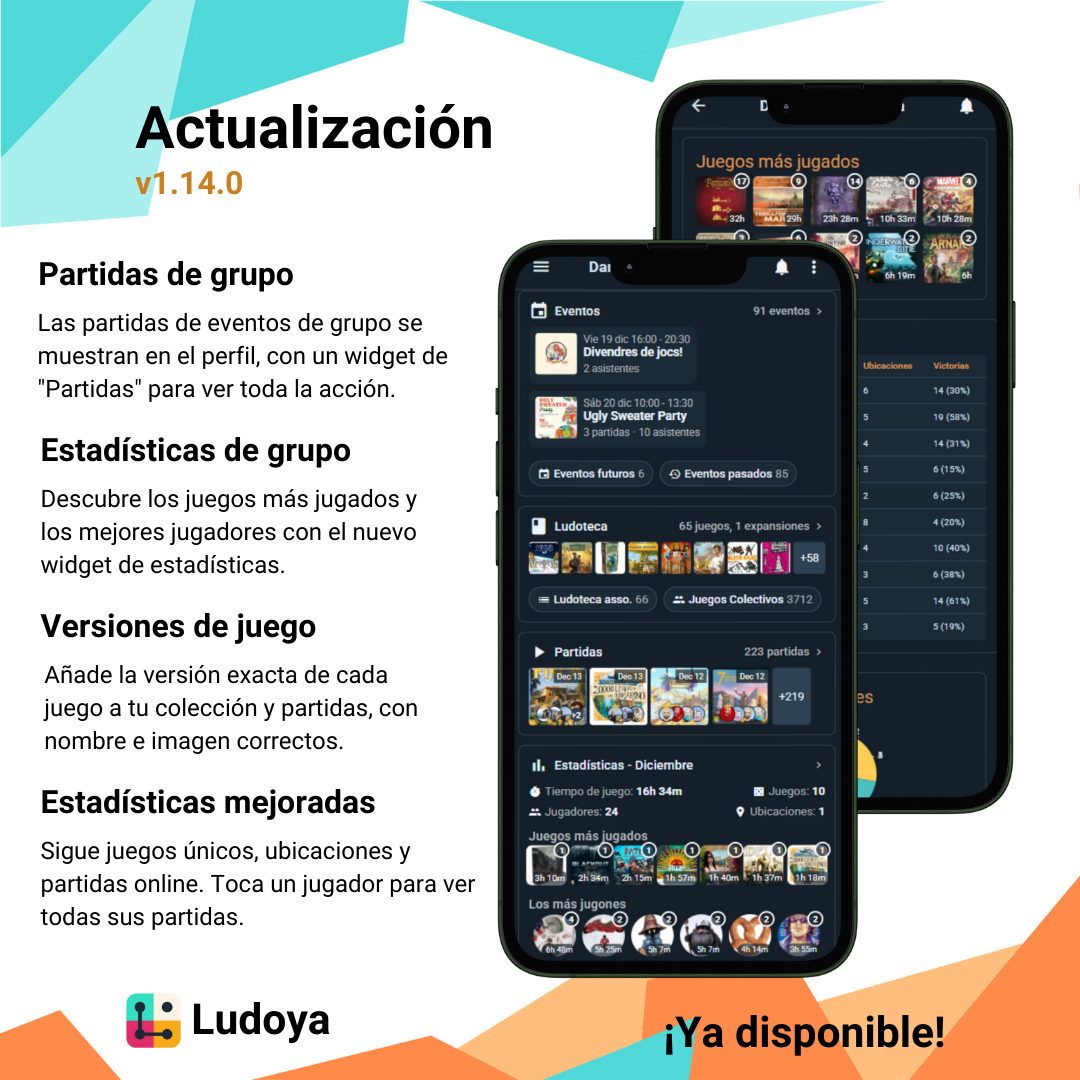
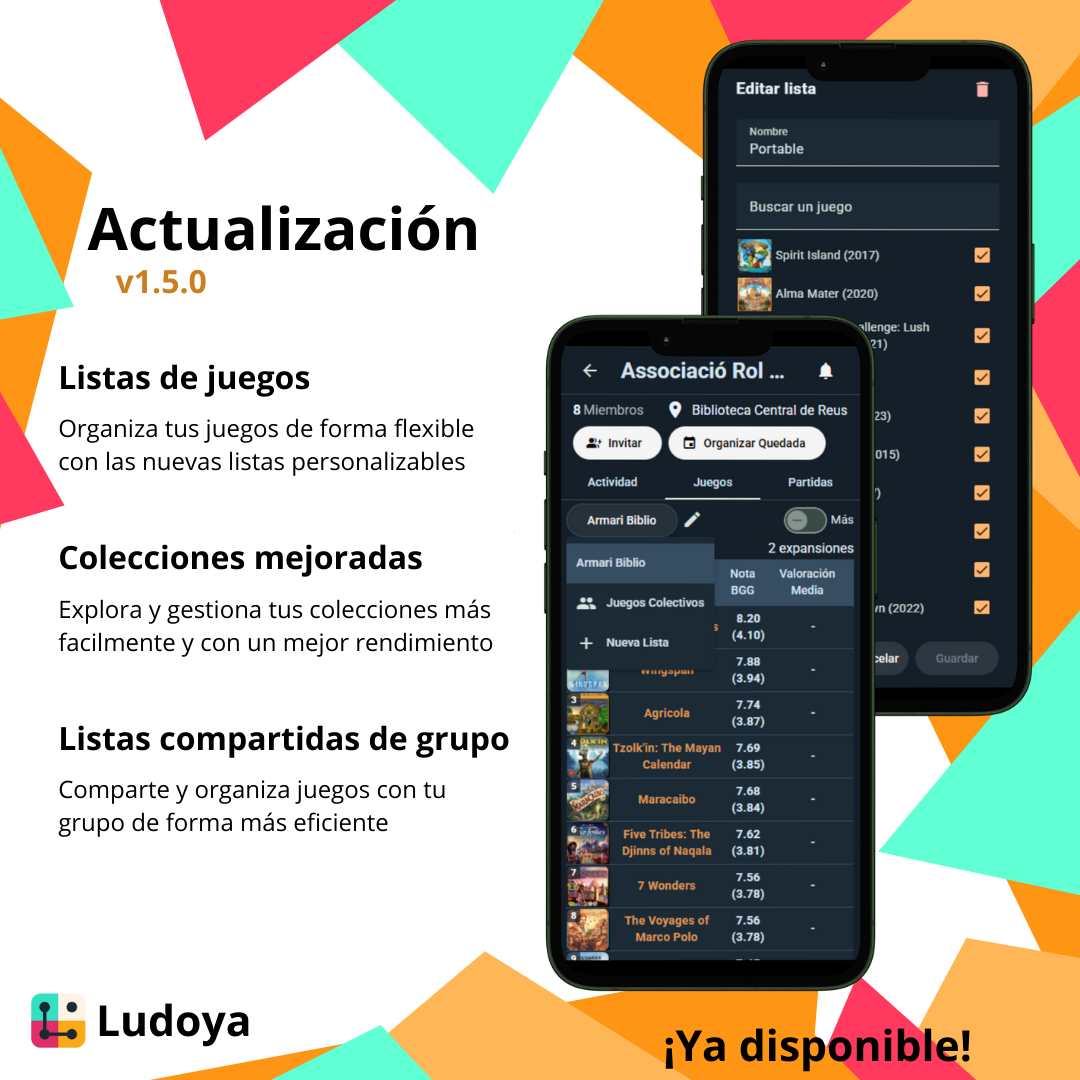
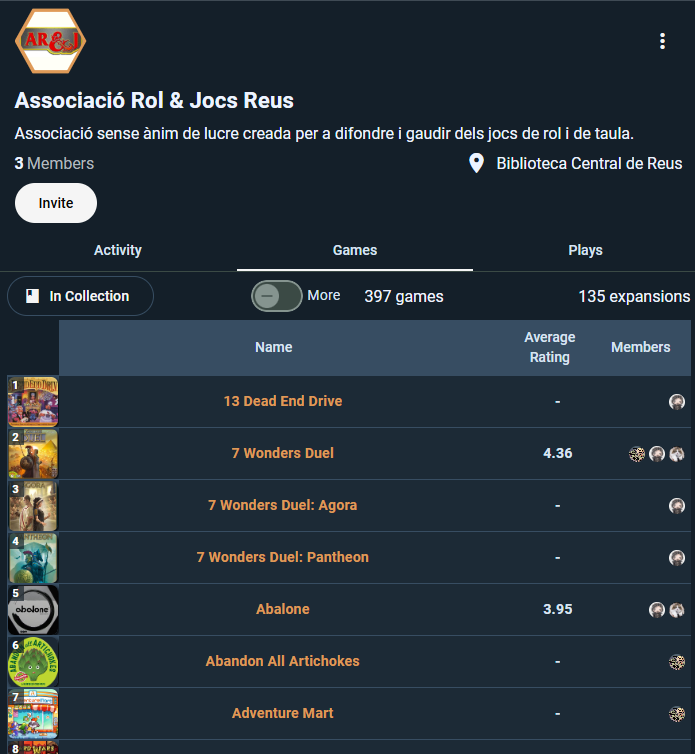
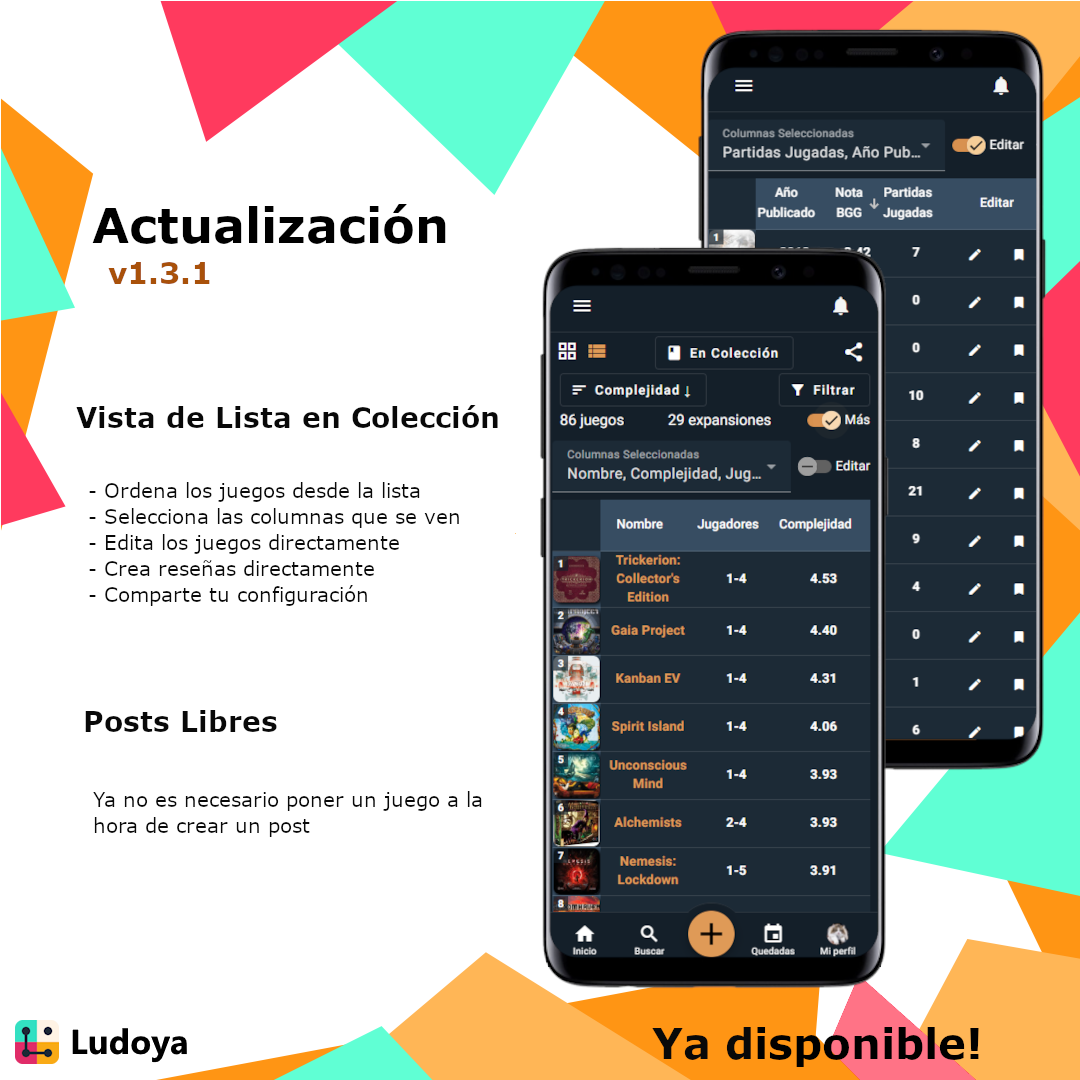
- A Collection tab in your stats: how much of your shelf gets played and which games are waiting or haven't been out in a year, how your shelf fits the player counts you actually play at, which of your boxes reach the most tables and people, and, just for you, their value for money.
- Cost per hour: sort your collection by it, with the shelf's total in the header, and every copy shows its own cost per play and per hour.
- Price help: the copy and listing forms suggest the usual shop price, the lowest asking price on Ludoya and what you paid, and Value for money lets you add what you paid to many games at once.
- Collection extras: a condition column in export and import, a filter for games you own several copies of, and the choice to hide locations from others.
Logging plays
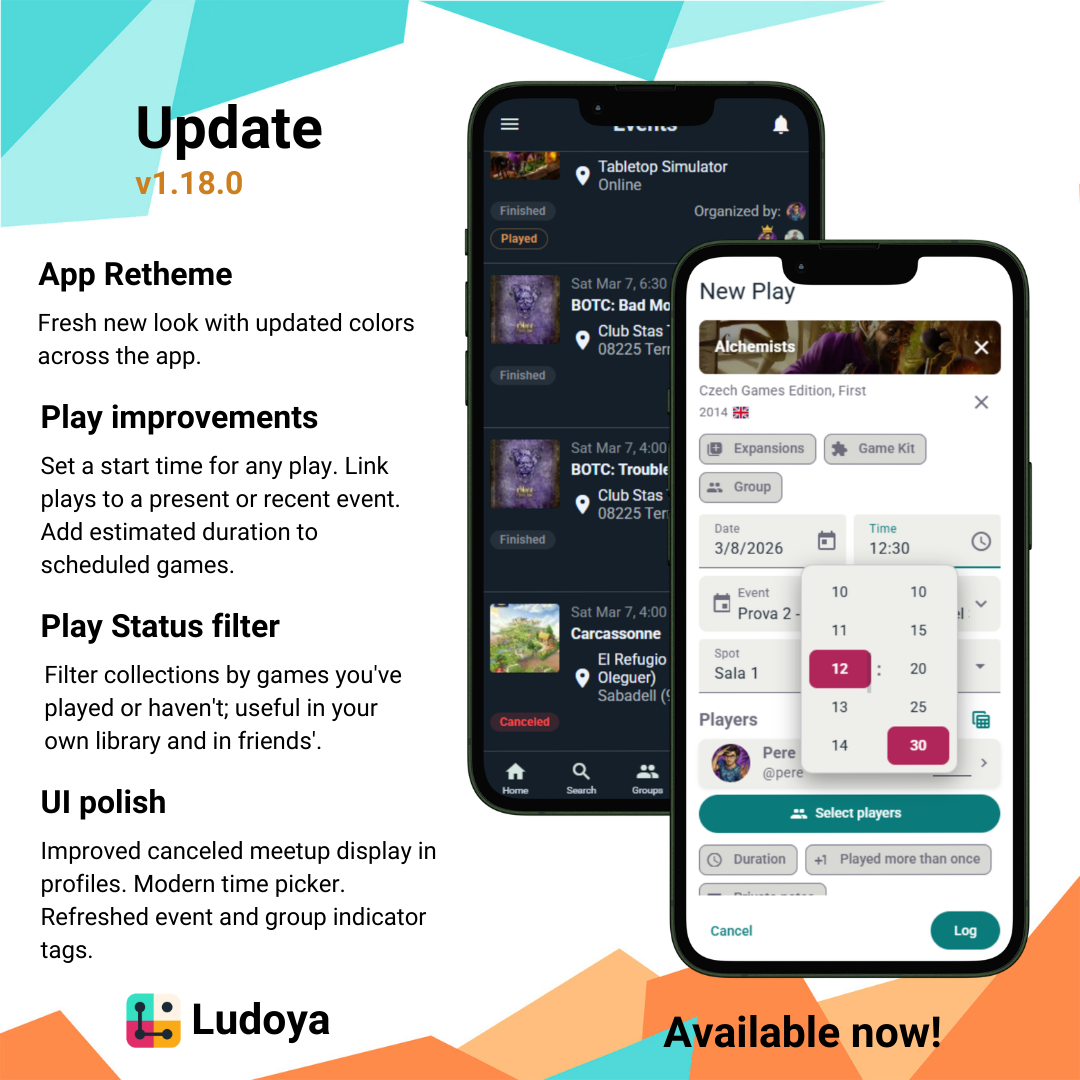
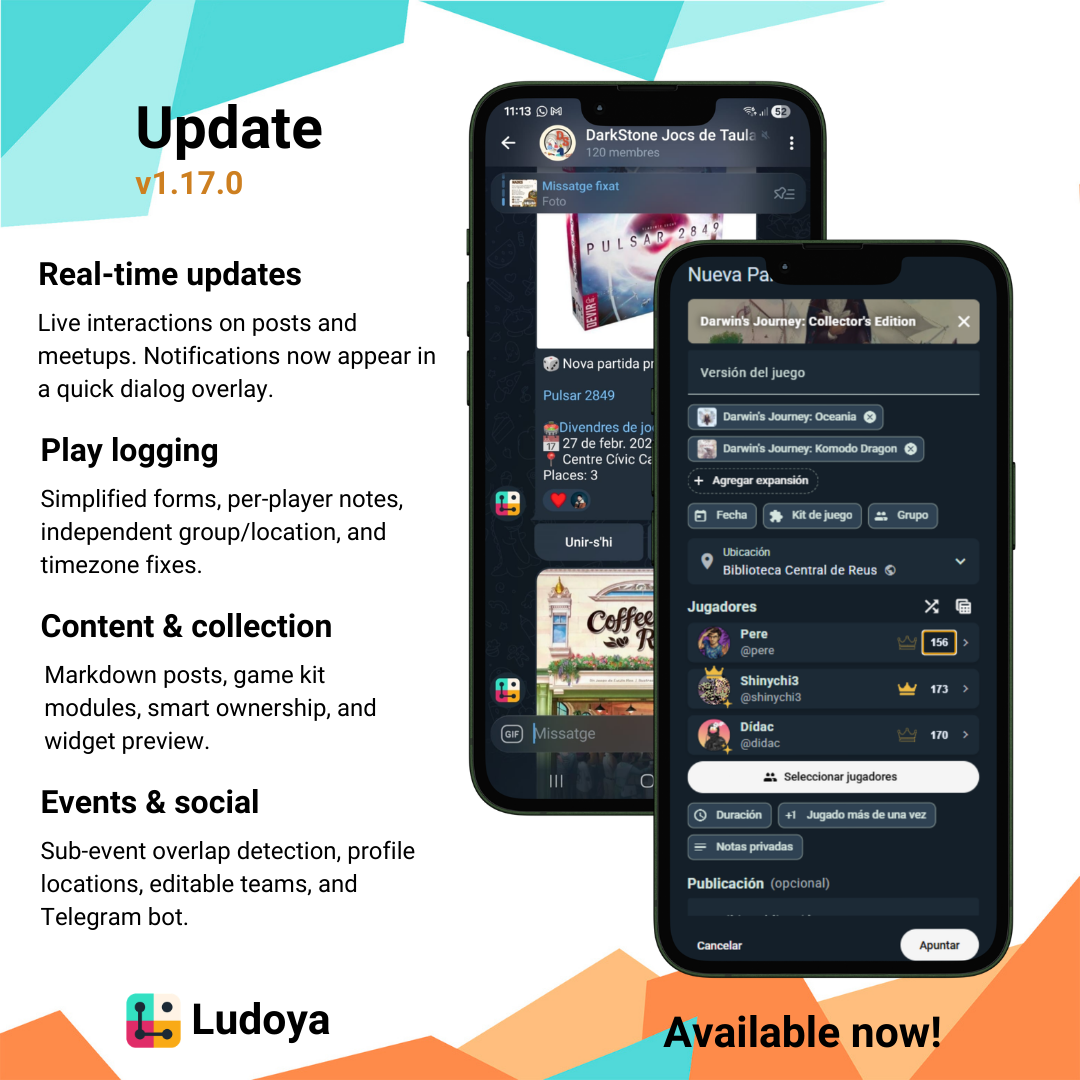
- Say the whole play: tap the mic in New Play and say who played what, who won and where. Ludoya fills in the players, scores, place and start time, and asks about any name or place it doesn't know, then remembers it. 5 plays by voice a month for everyone, unlimited with Player.
- Homes: your home and your friends' homes read as "Carlos's home", invite the people you live with, and claim a home a friend saved for you. When you log a play from today, your phone's position fills in the place.
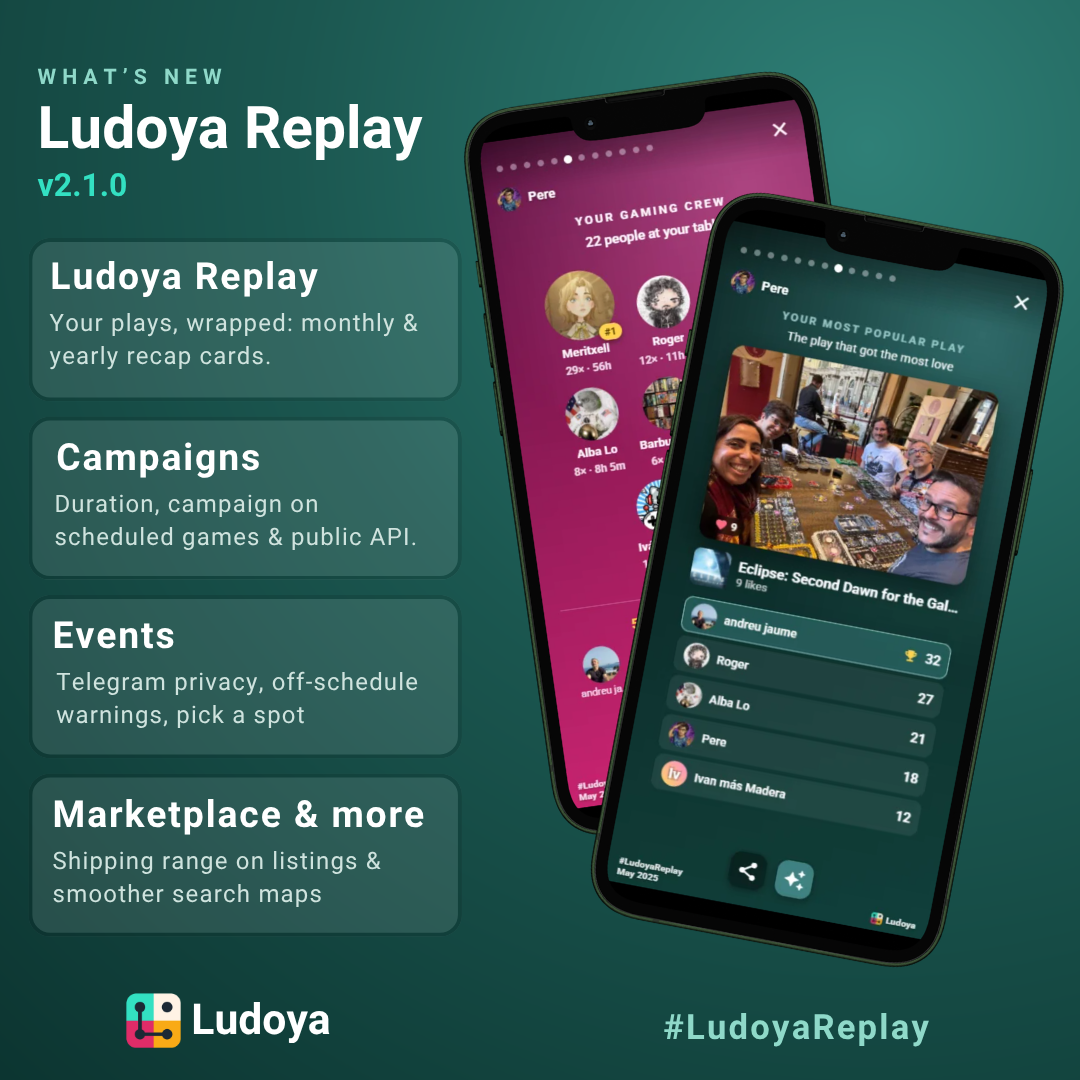
- Whose copy? A play remembers whose box was on the table: yours, a friend's, a club's, or someone who isn't on Ludoya. Every copy counts its own plays, and "Mine" adds a game you don't have on Ludoya yet straight to your collection.
- Plays save offline: no signal at the table? Your play, its photos and its edits wait and go up as soon as you're back.
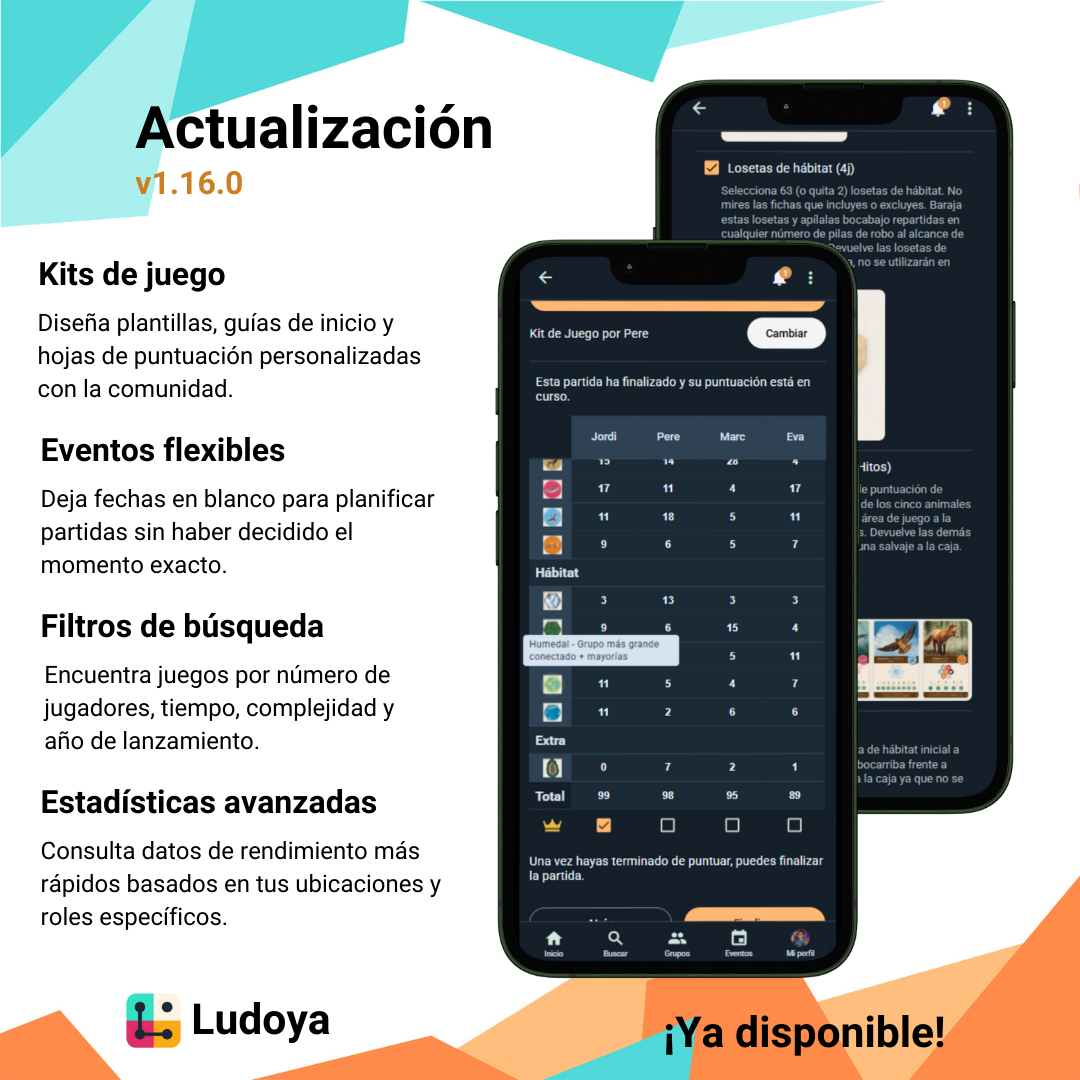
- Kits in one field: the play's kit opens a sheet with its modules, and "Always start with this kit" is a switch.
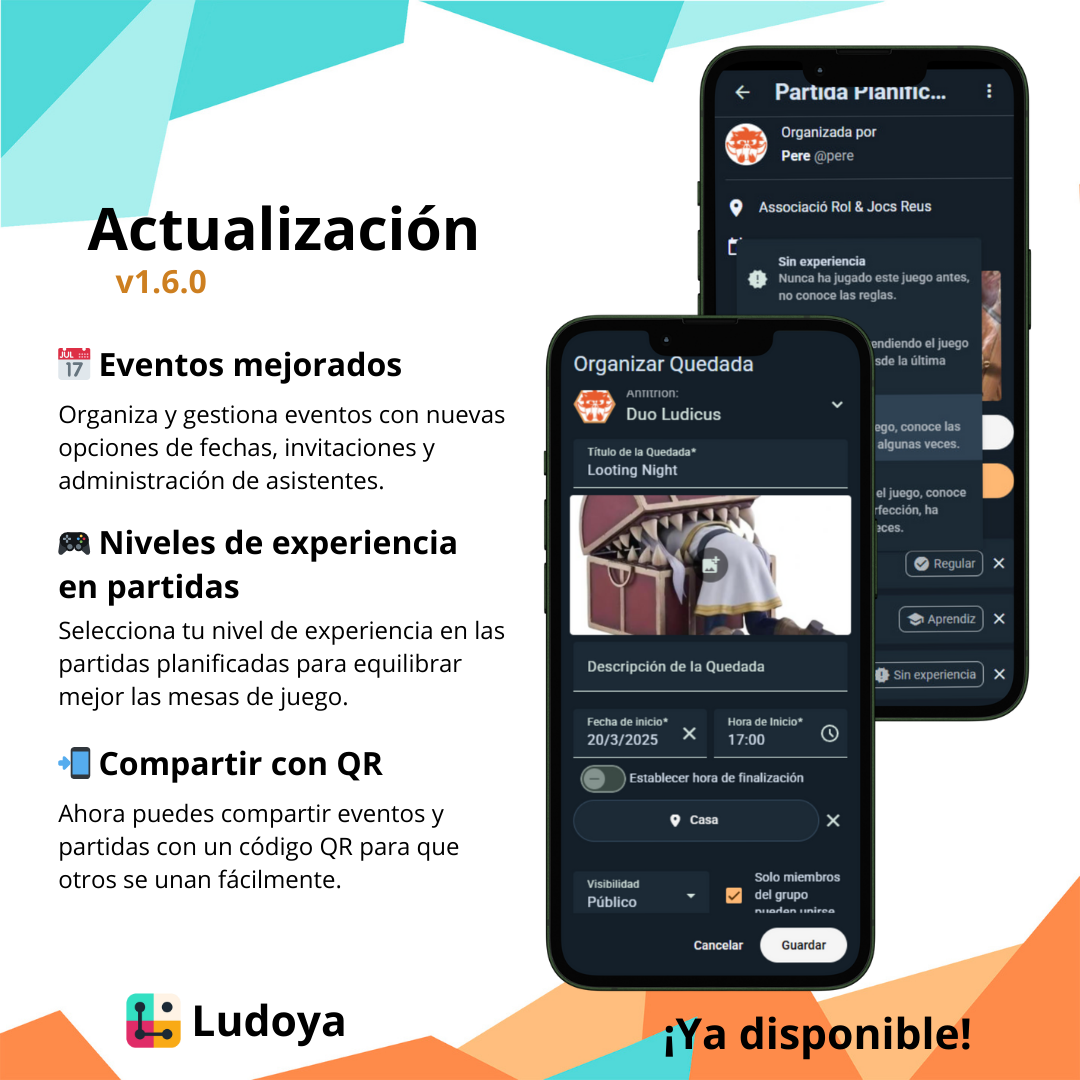
- Campaigns on one page: members, join requests, standings and the next session together, settings on their own page, and every session carries its scenario.
- "How was it?" after a play can be turned off right there with "Don't ask after plays", and back on in Settings.
- Who goes first is asked until the order is set, and a play left open for days says so, with a way to finish or discard it.
Taste and discovery
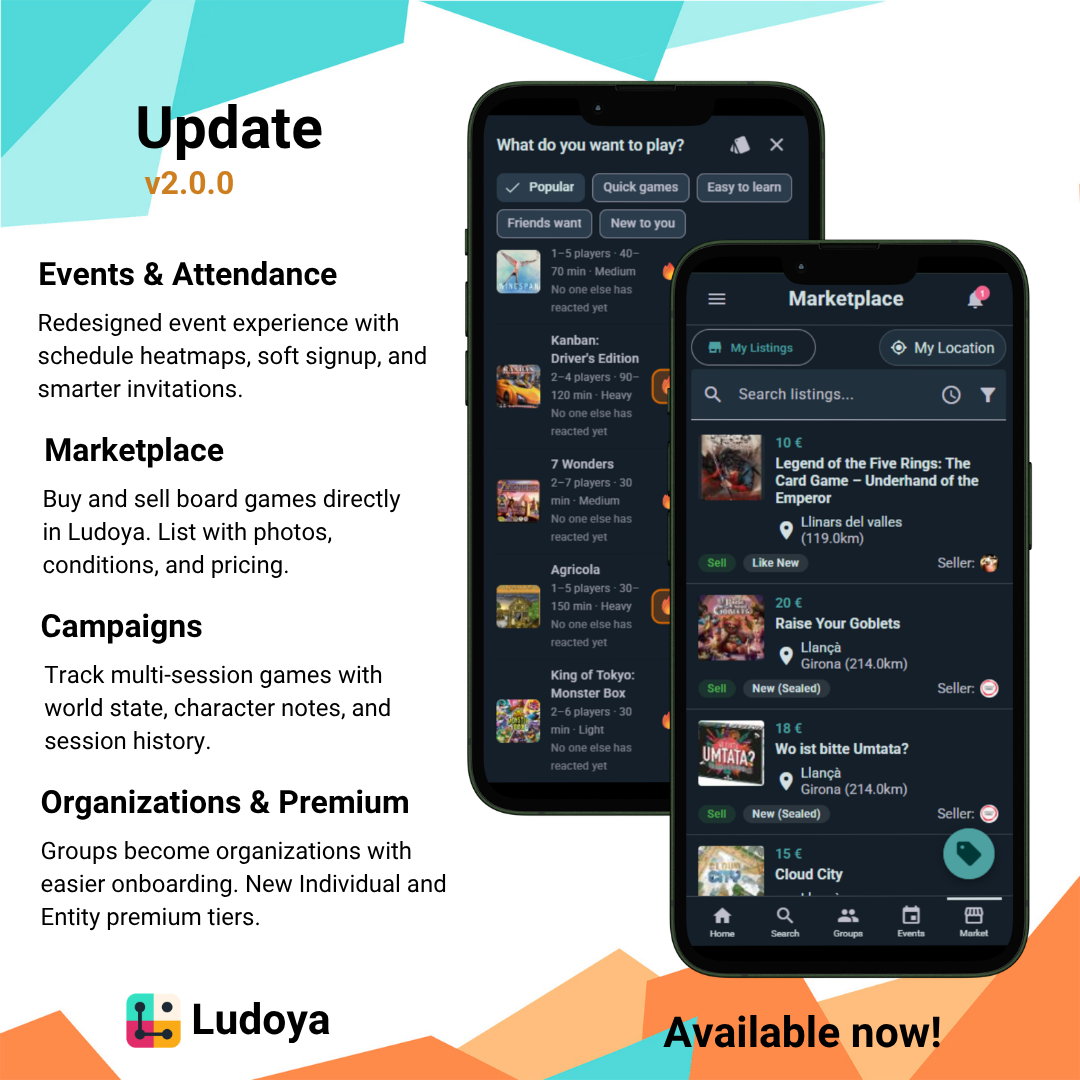
- For you follows your taste, says why each pick fits it, and reads the games on your shelf rather than the charts.
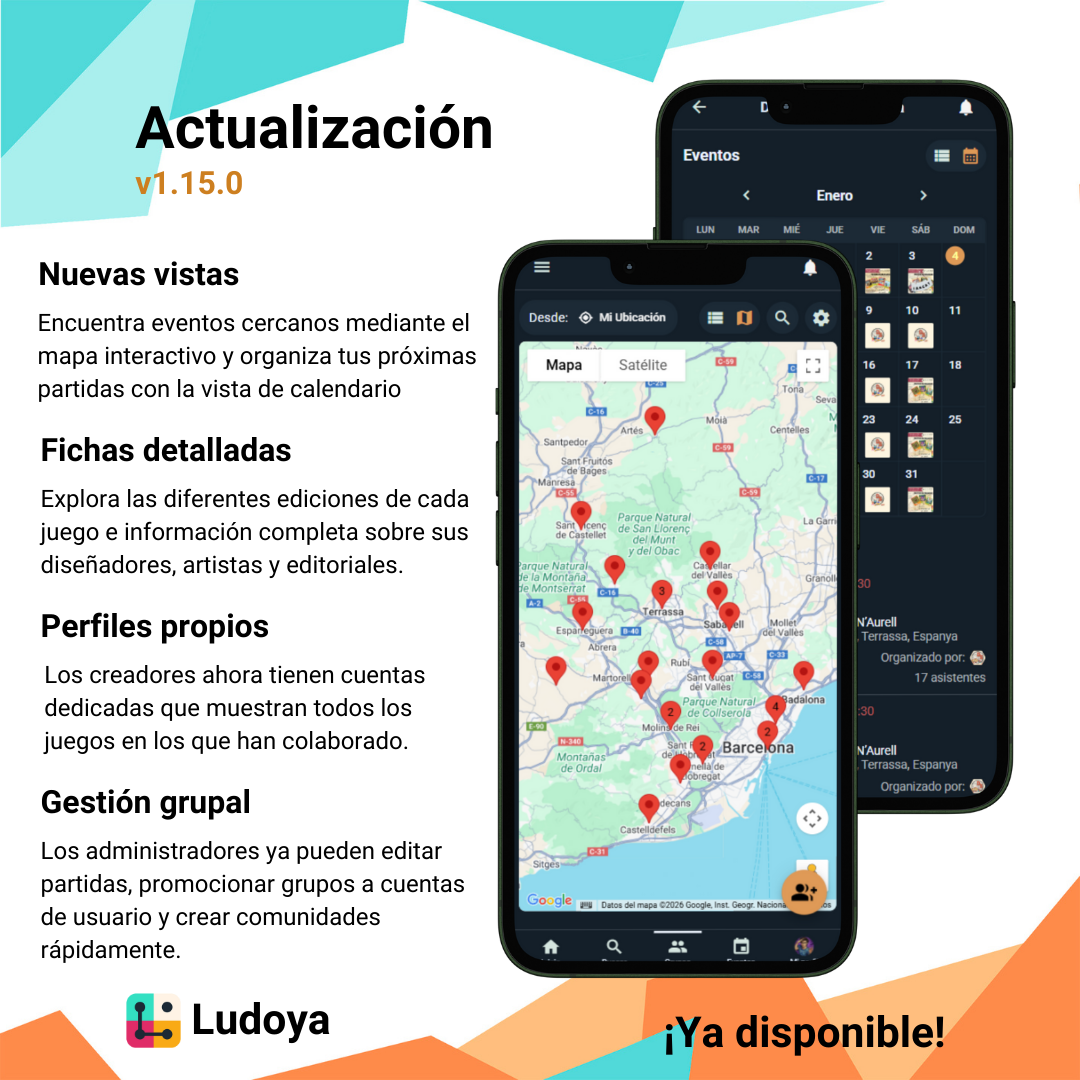
- Explore → People: filter by distance, by a game they own or want to play, and by recent activity. Sort by relevance, distance or how alike your taste is.
- Best player counts from Ludoya players: answers from reviews first, then what groups actually choose at the table.
- Who it's for: reviews now ask from what age and how much reading a game needs, and the game page shows it.
- Local names for traditional games: Chess reads Ajedrez in Spanish and Escacs in Catalan.
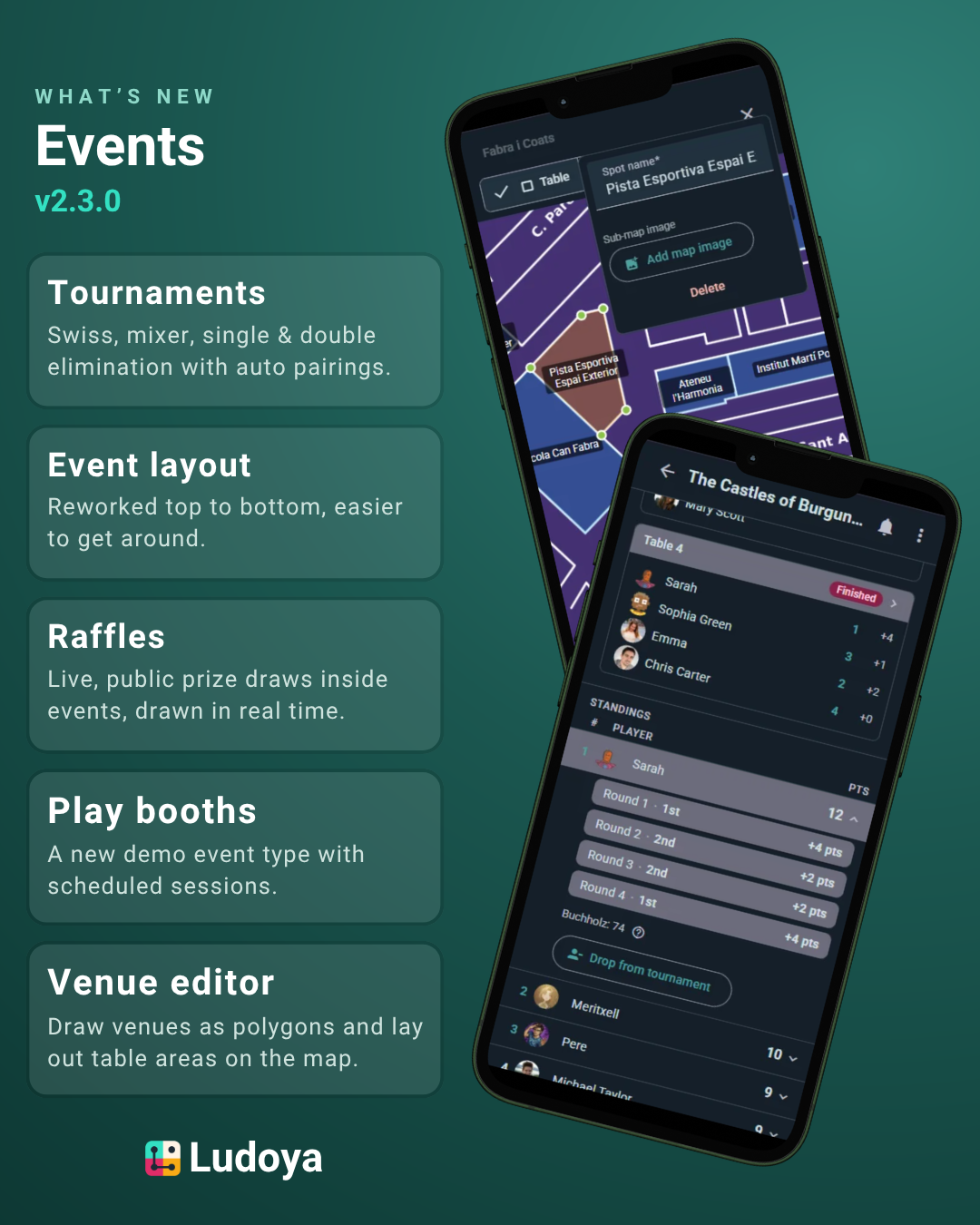
Events
- Reserve places for your players: Ludoya suggests your saved players, and the play logs as them.
- Choose who can open tables and who can bring games, each on its own. A reserved seat can bring games too.
- The lending desk and the tables keep their boxes apart: a box is for the tables or the desk, never both, and the planner says when to borrow one.
- Beginner-friendly chip in the schedule, Light, Medium or Heavy on games, and the programme import reads your sheet's pictures.
- Event chat now includes invited people and maybes.
Clubs and raffles
- Schedule posts, reviews and club events to go out later.
- "New club events" has its own notification setting, and a batch of dates with the same name is announced once.
- Raffle tickets by plays, by minutes played or set by hand, counted over the whole event, one day or between two times. Leave people or plays out, with a reason, and say why someone got extra tickets.
Everywhere
- Tips for every screen: "Show me around" walks you through what each part does, from your collection to the live table and the event desk.
- Sign in with Apple on iPhone, and the back swipe from the screen's edge.
- Pick several photos at once on Android.
- Chat: press Up in an empty box to edit your last message.
- Times follow your language's clock (7:13 PM in English), and text boxes show their length limit before you send.
https://www.youtube.com/watch?v=AYvVM9UDDF4
Thanks for all the feedback; keep it coming!