
Every play and event can carry a location, which is what makes "where do we actually play?" answerable — your stats break down by venue, and events show up on the map for people nearby.
Manage yours under Settings → Locations.
Saving the Places You Play
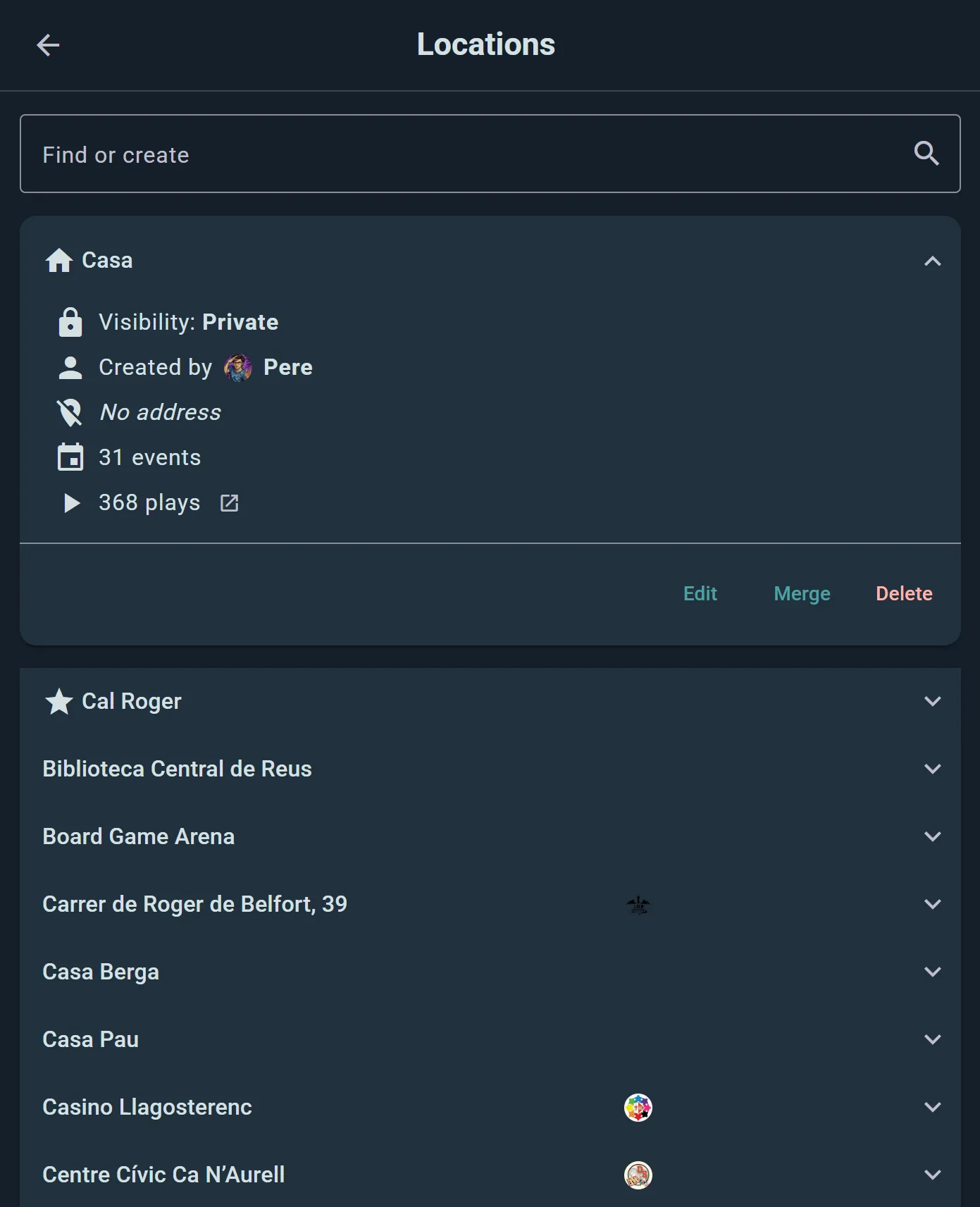
Add the spots you game at once, and reuse them forever: your kitchen table, a friend's flat, the café down the road, your club's usual room. Each one gets a name, an address, and a pin on the map.
You'll build most of them without thinking about it — logging a play or creating an event lets you pick a saved location or add a new one on the spot.
Playing Online
Ludoya ships the obvious online venues as ready-made locations, so a remote game is logged as precisely as a physical one: Board Game Arena, Tabletop Simulator, Tabletopia, Yucata and Vassal.
Who Can See an Address
A location's address is often your home, so each one has its own visibility setting:
- Public — the address and map location are visible to everyone
- Friends Only — only your friends can see the address and map location
- Only group members — only members of your group can
- Private — only you can see the address and map location
Pick Private for your flat and Public for the café, and your play history stays honest without publishing where you live. Public locations need a valid address, since they go on the map for other people.
Tidying Up
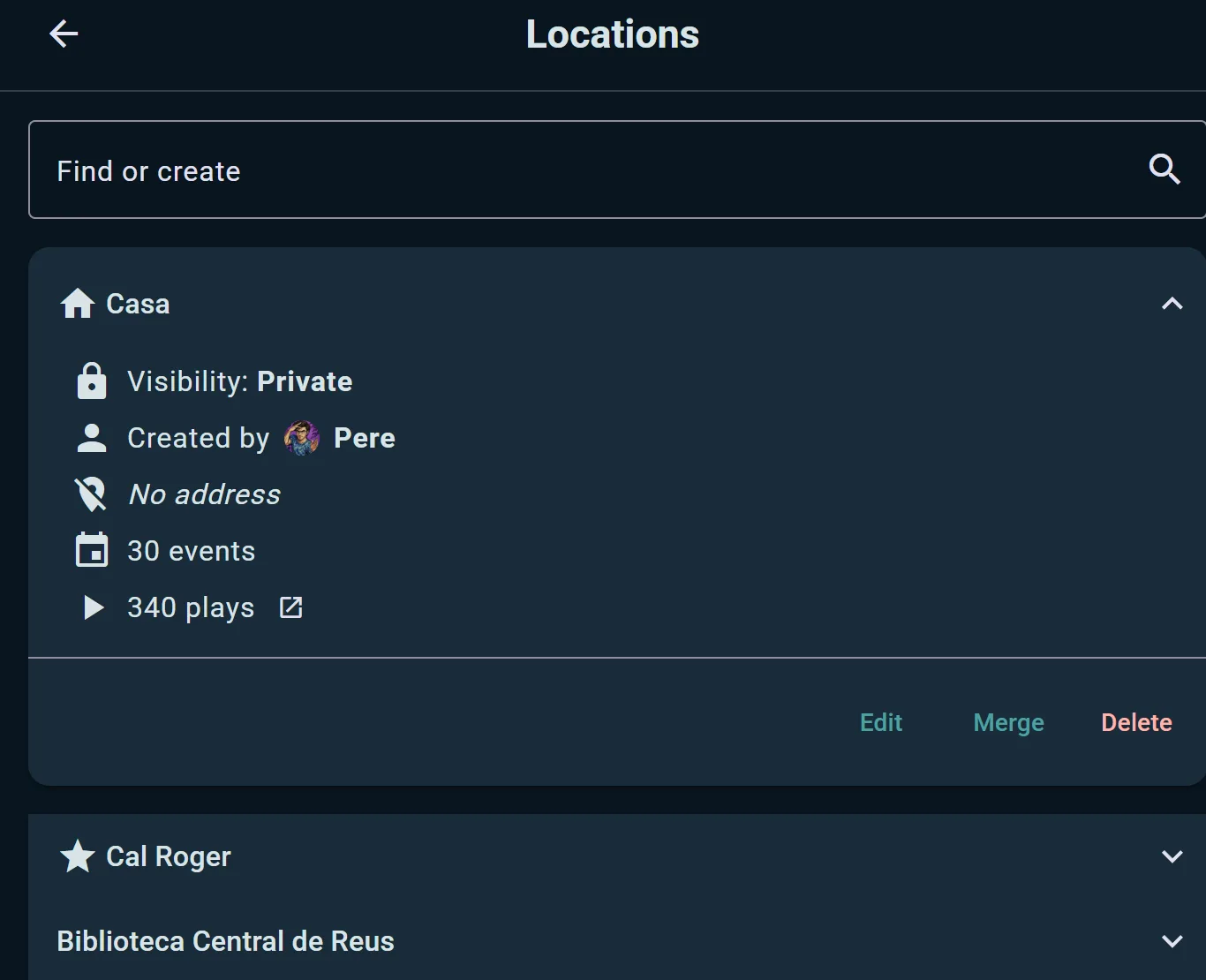
Ended up with "Home", "home" and "My place" after a year of logging? Open one and choose Merge Locations to fold duplicates together — the plays and events attached to each one follow into the survivor, so nothing is lost and your per-venue stats stop being split three ways.
Venues with Named Spots
A location belonging to an organization can also hold spots — the tables, rooms and play areas inside it. A café might have "Table 1" through "Table 8"; a convention hall might have "Main Hall", "RPG Room" and "Demo Area".
Once a location has spots, events and scheduled games held there can claim them, so attendees know exactly which table to head for. Named spots are free for every organization account.
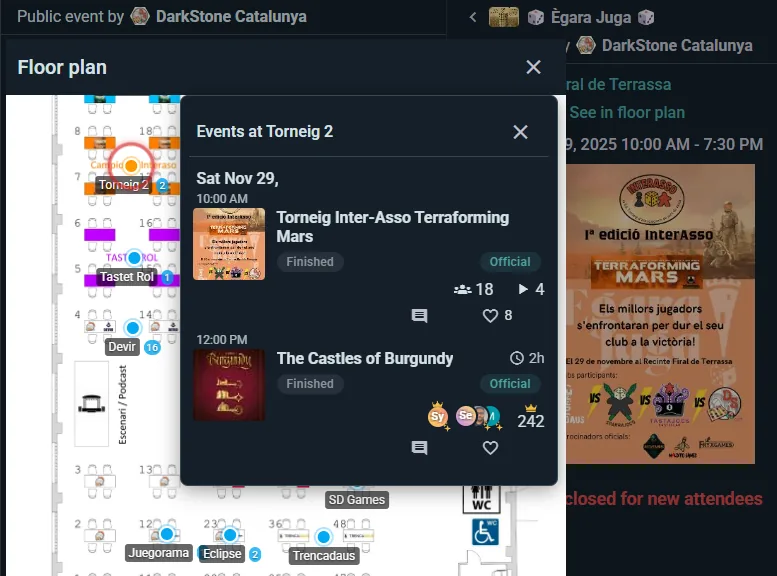
On the Business tier you can add a floor plan on top: upload an image of your space, drag each spot onto it, and attendees get a pannable, zoomable map instead of a list of names. See Event Operations.