
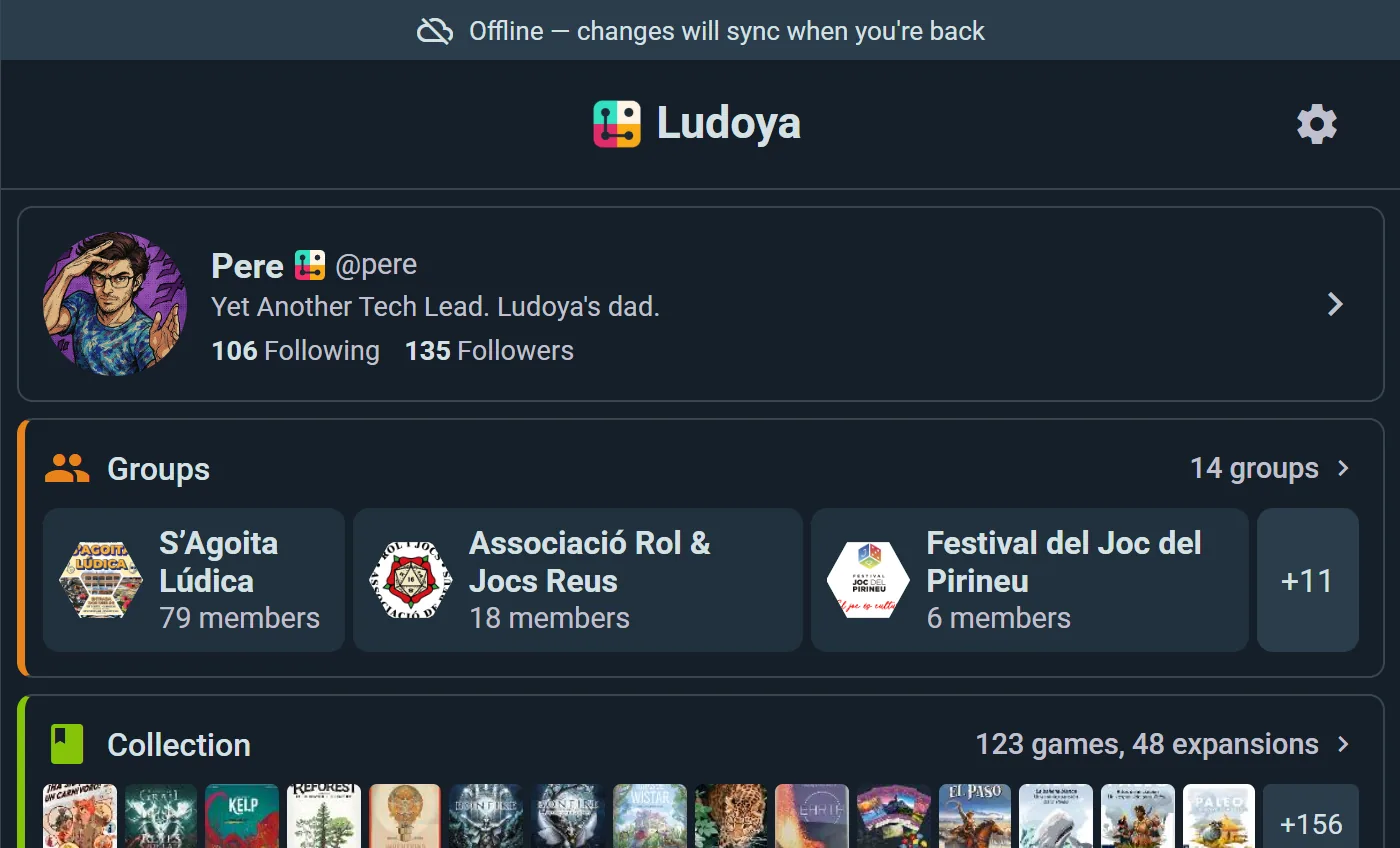
Game nights happen in basements, cabins, and convention halls with overloaded Wi-Fi. Ludoya is built for that: the app keeps working without a connection, and everything you do offline syncs automatically the moment you're back online.
What Works Offline
- Log plays — record who played, scores, duration, and location; run a live session at the table
- Edit or delete plays — changes queue up like everything else
- Manage your collection — add games, edit copies, update your lists, mark games as ones you want to play
- Rate a game — plus your expertise level and how many times you'd played it before; the moment you most want to rate something is right after playing it, which is exactly when the signal is worst
- Browse cached content — your collection and the games you've viewed recently stay available
A banner tells you when you're offline, so you always know where you stand. Your changes are stored safely on the device until they can be delivered.
The one thing that needs a connection is the AI Game Assistant — it answers from rulebooks on our servers, so the button steps aside while you're offline and comes back when you reconnect. Scoring, timers, photos and notes all carry on regardless.
How Syncing Works
When your connection returns, Ludoya pushes your queued changes automatically — no button to press. While you're online, the app also re-syncs quietly every few minutes to stay fresh across your devices.
If a change can't be delivered after repeated attempts, it's parked on the Sync Issues page instead of being silently dropped — you review it there and decide what to keep. In practice, this is rare; it mostly protects you against edge cases.
On Every Device
Ludoya runs as a website, an installable web app, and native iOS and Android apps — with the same account and the same data everywhere. Start a live session on your phone at the table, and the play is on your profile when you open your laptop.