
2022 · Industry / Manufacturing
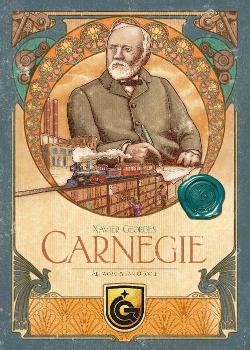
Carnegie
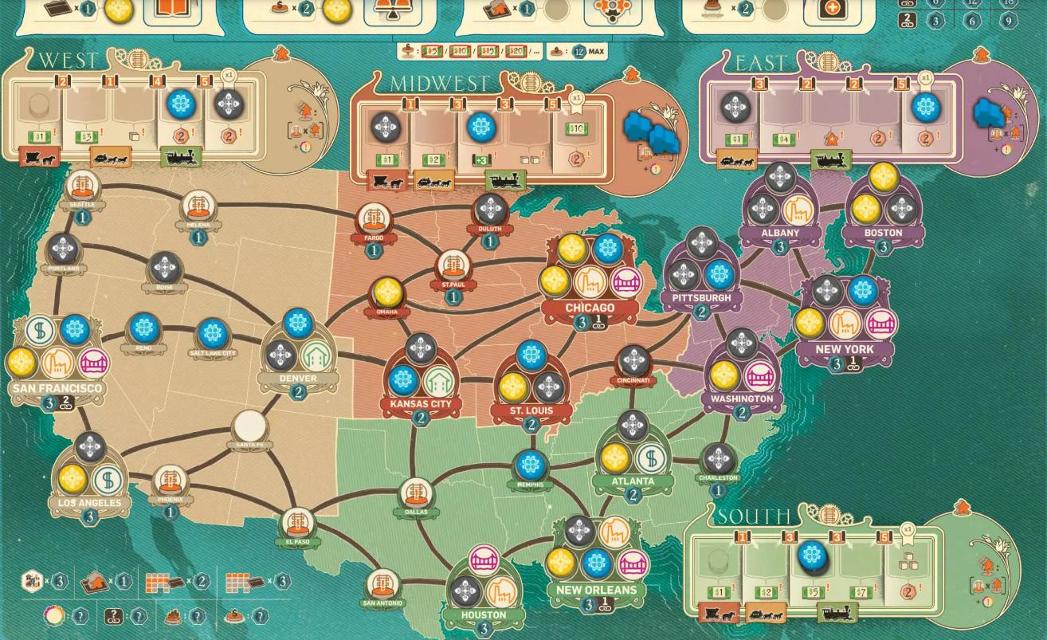
Players take the role of 19th-century industrialists building steel empires and philanthropic legacies. On each of 20 rounds, the active player selects one of four actions that others may follow, then recruits and manages employees, expands production and transport networks, and invests in real estate to produce and sell goods across the United States. Players can also engage with period personalities and spend wealth on public works and donations. Scoring rewards business growth, efficient logistics, and charitable contributions; the highest total of victory points determines the winner.
- Players
- 1–4 best 4
- Playing time
- 90–120 min
- Age
- 12+
- Complexity
- 3.8 / 5
About the game
- Design
- Art
- Publisher



Expansions
See them in Ludoya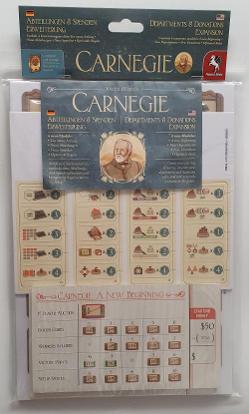
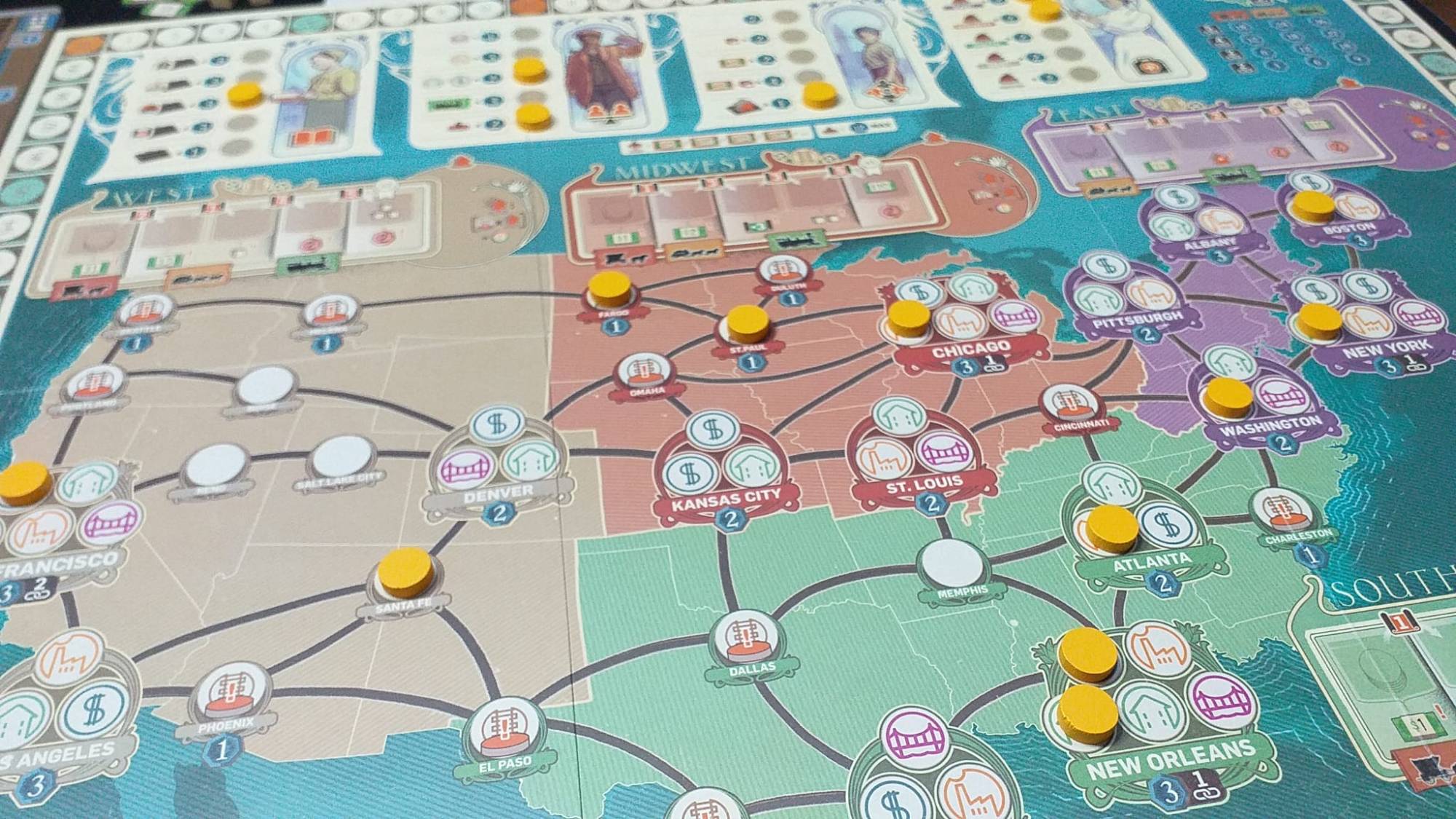
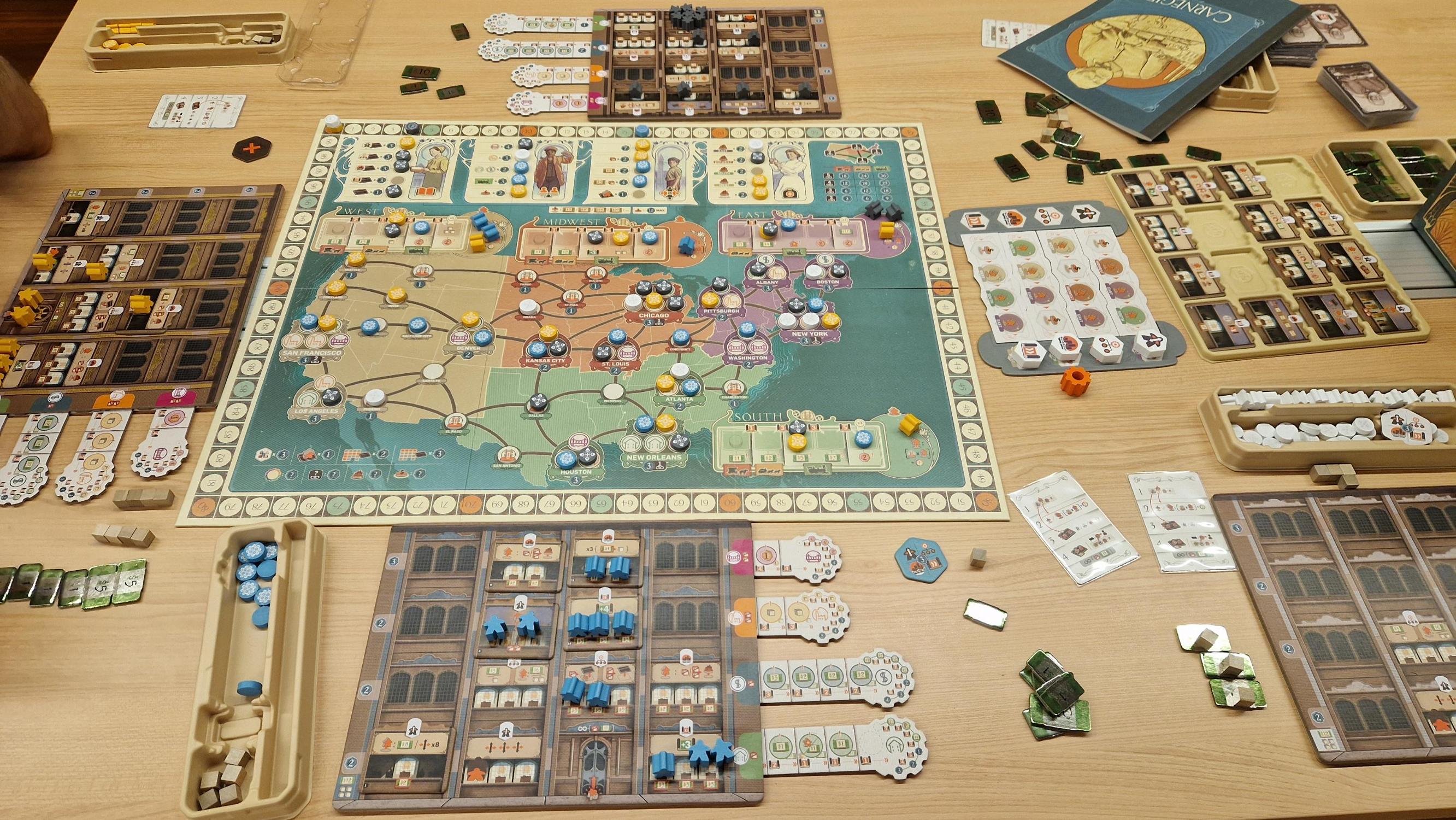
Photos from Ludoya tables
All photos in Ludoya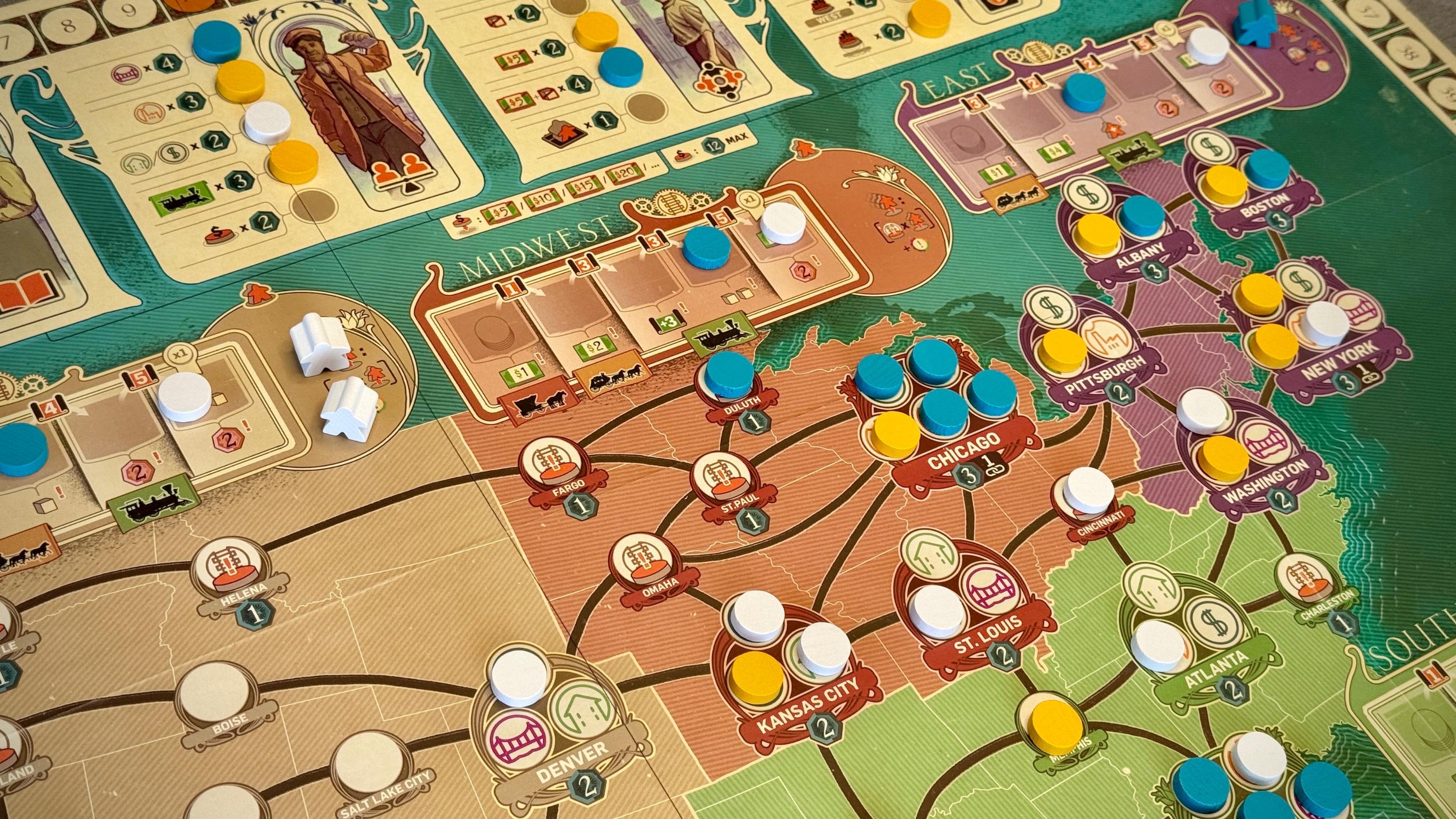
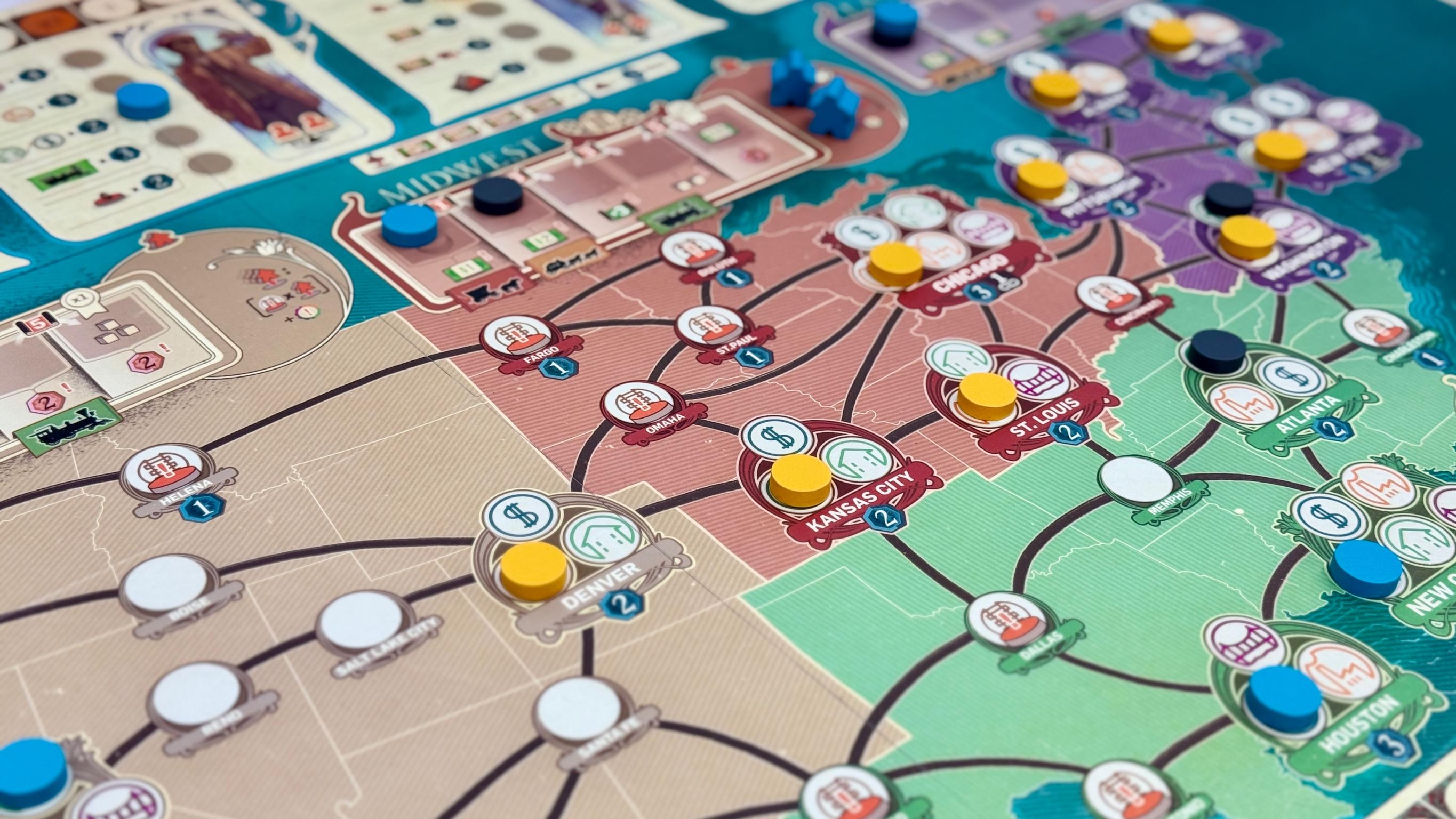
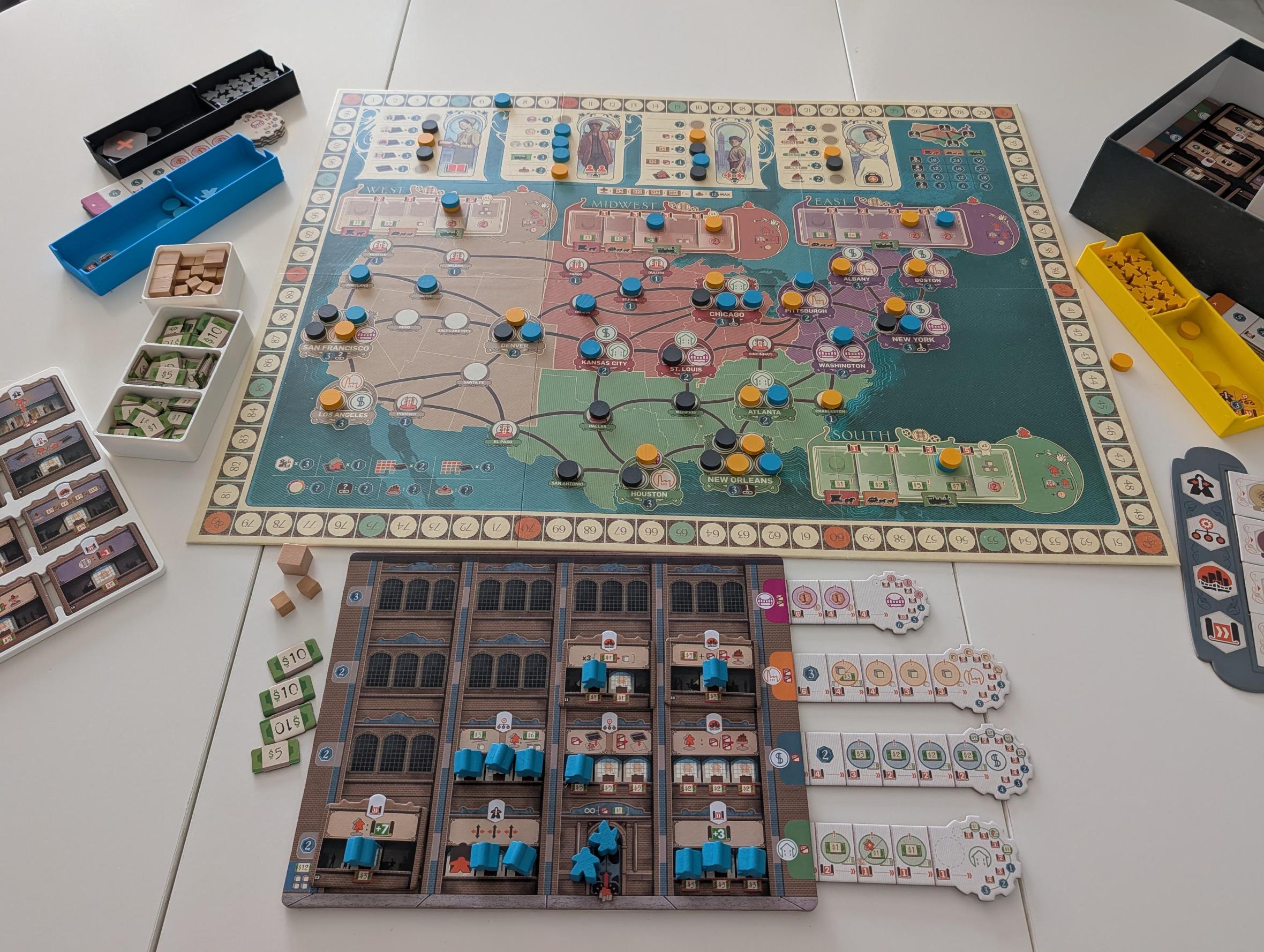
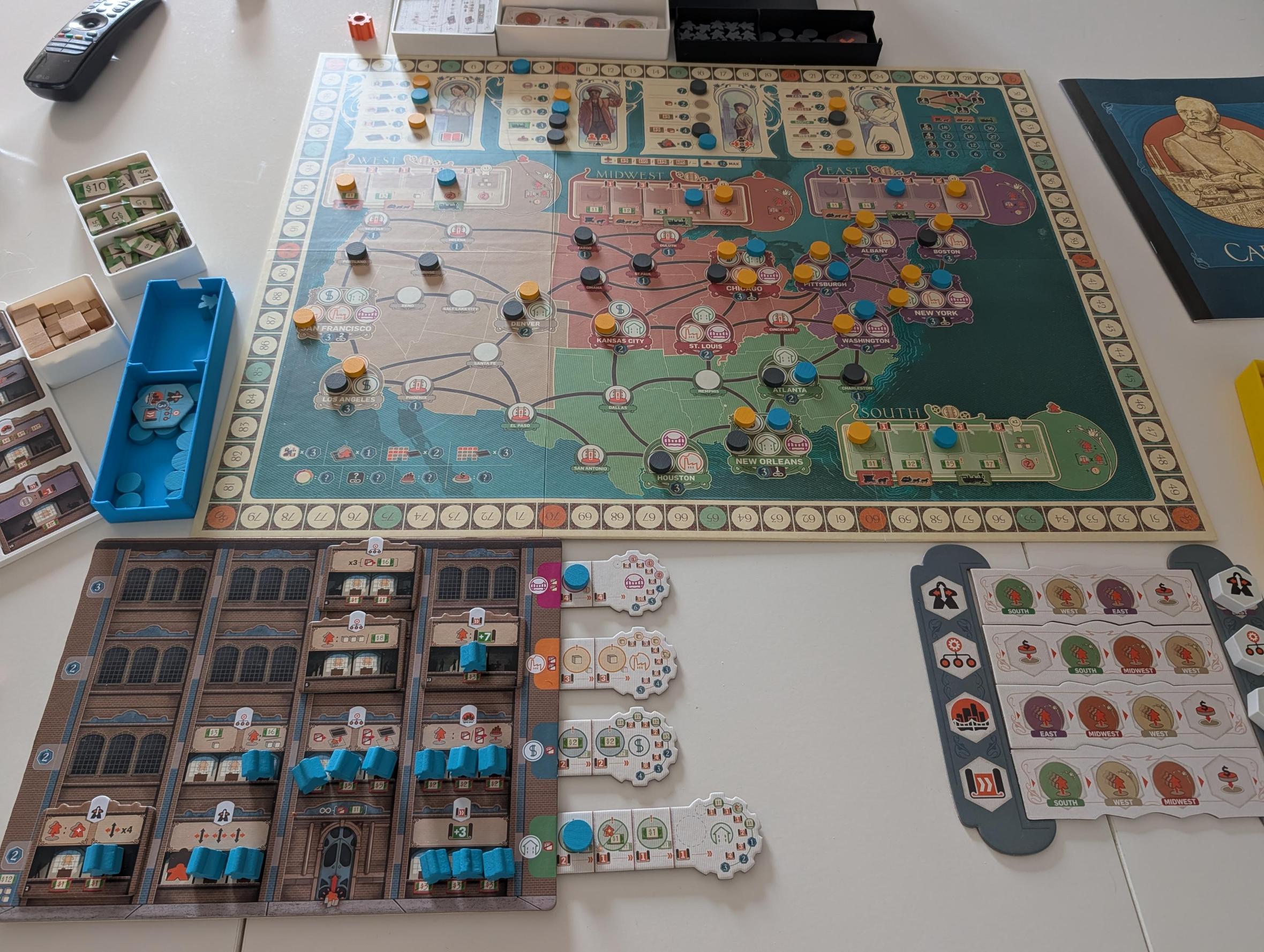
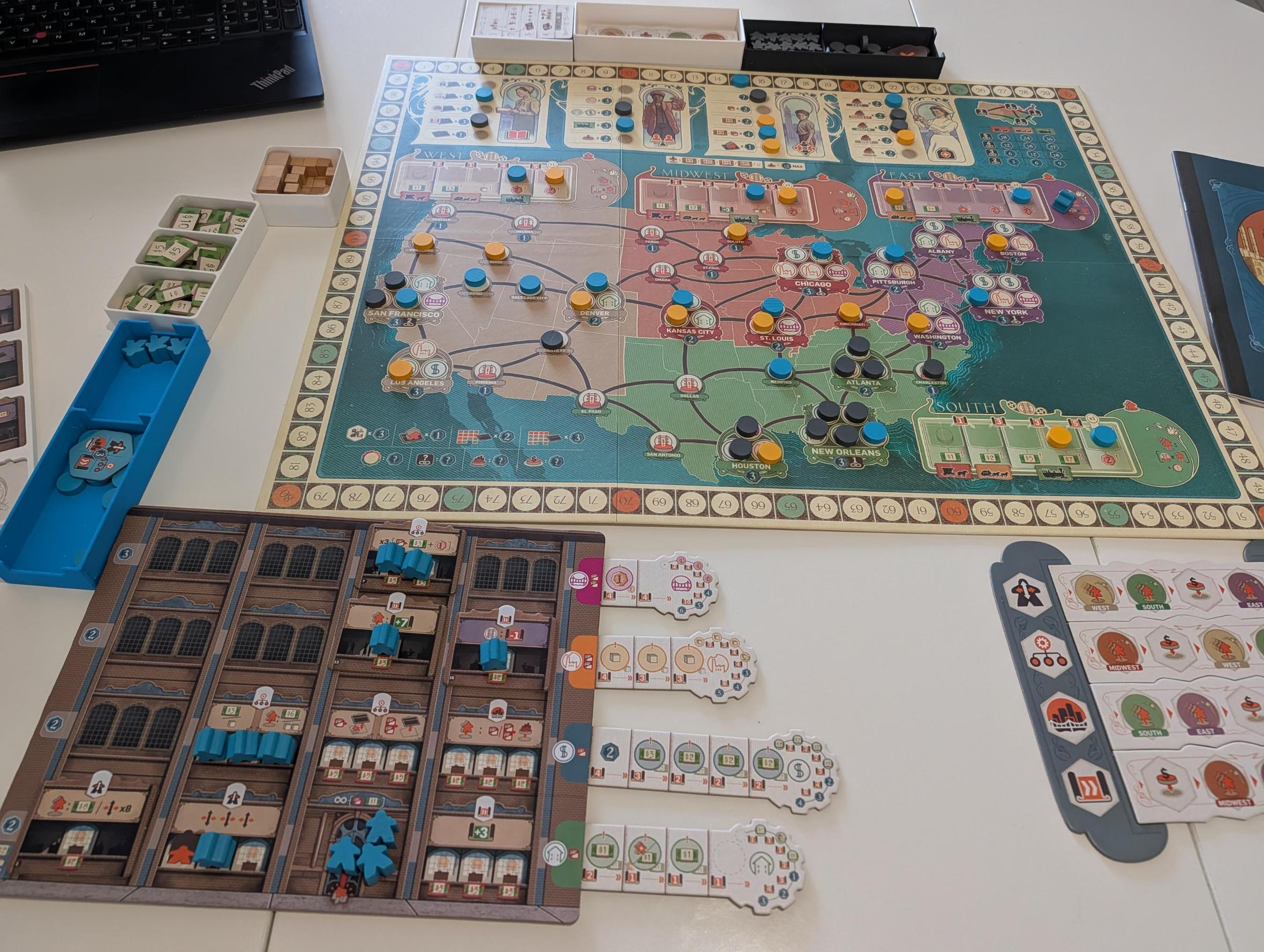
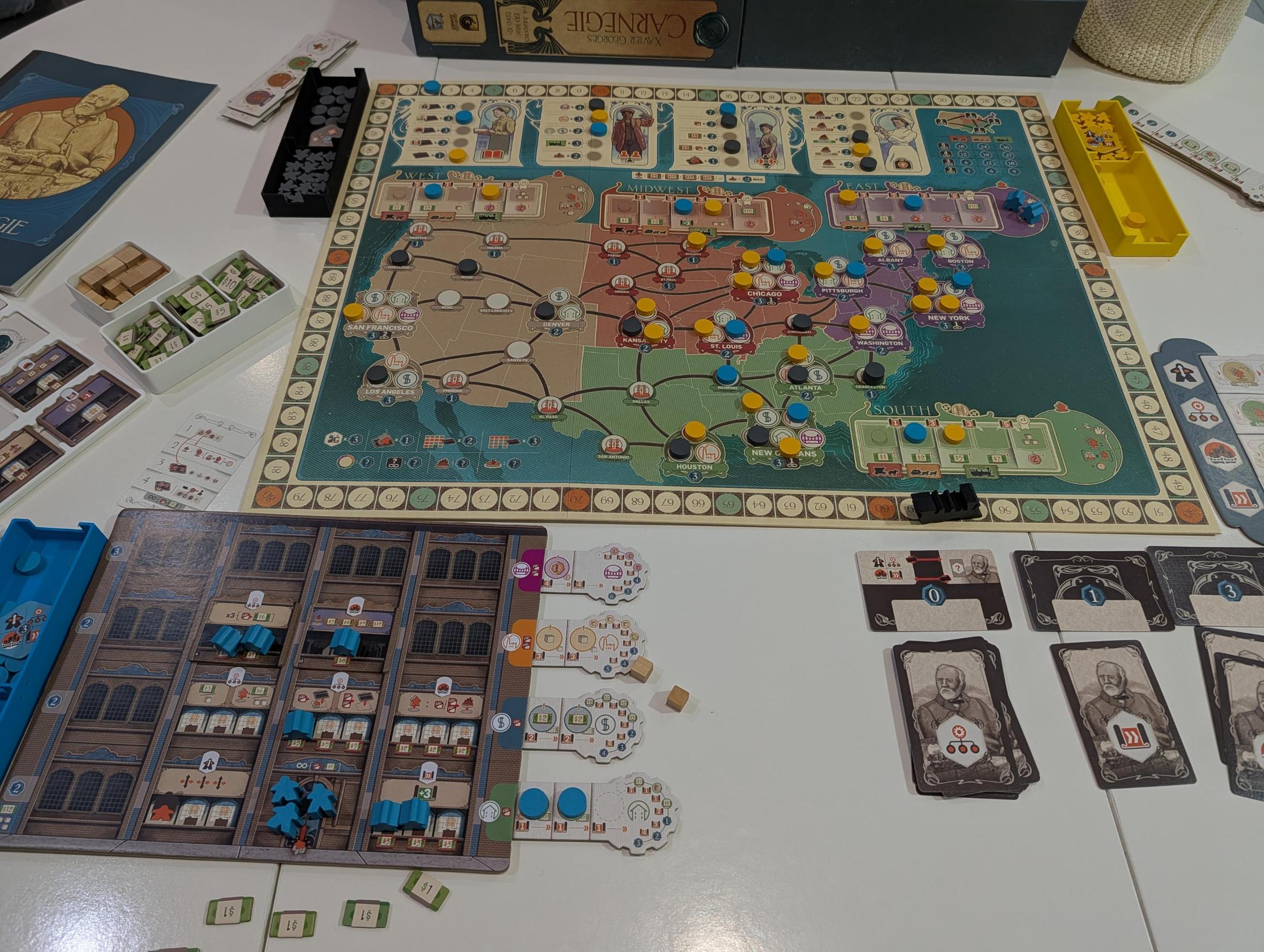
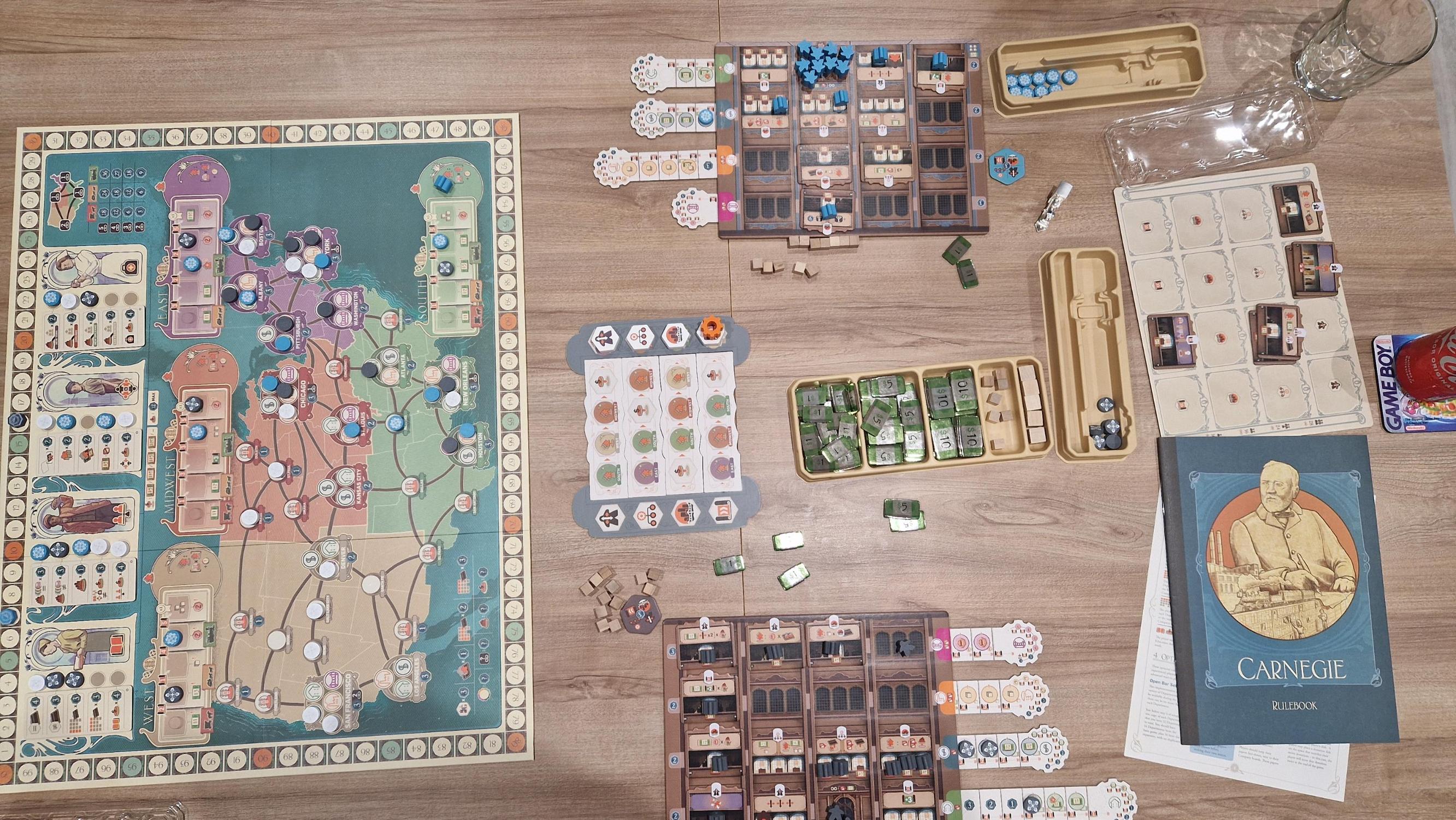
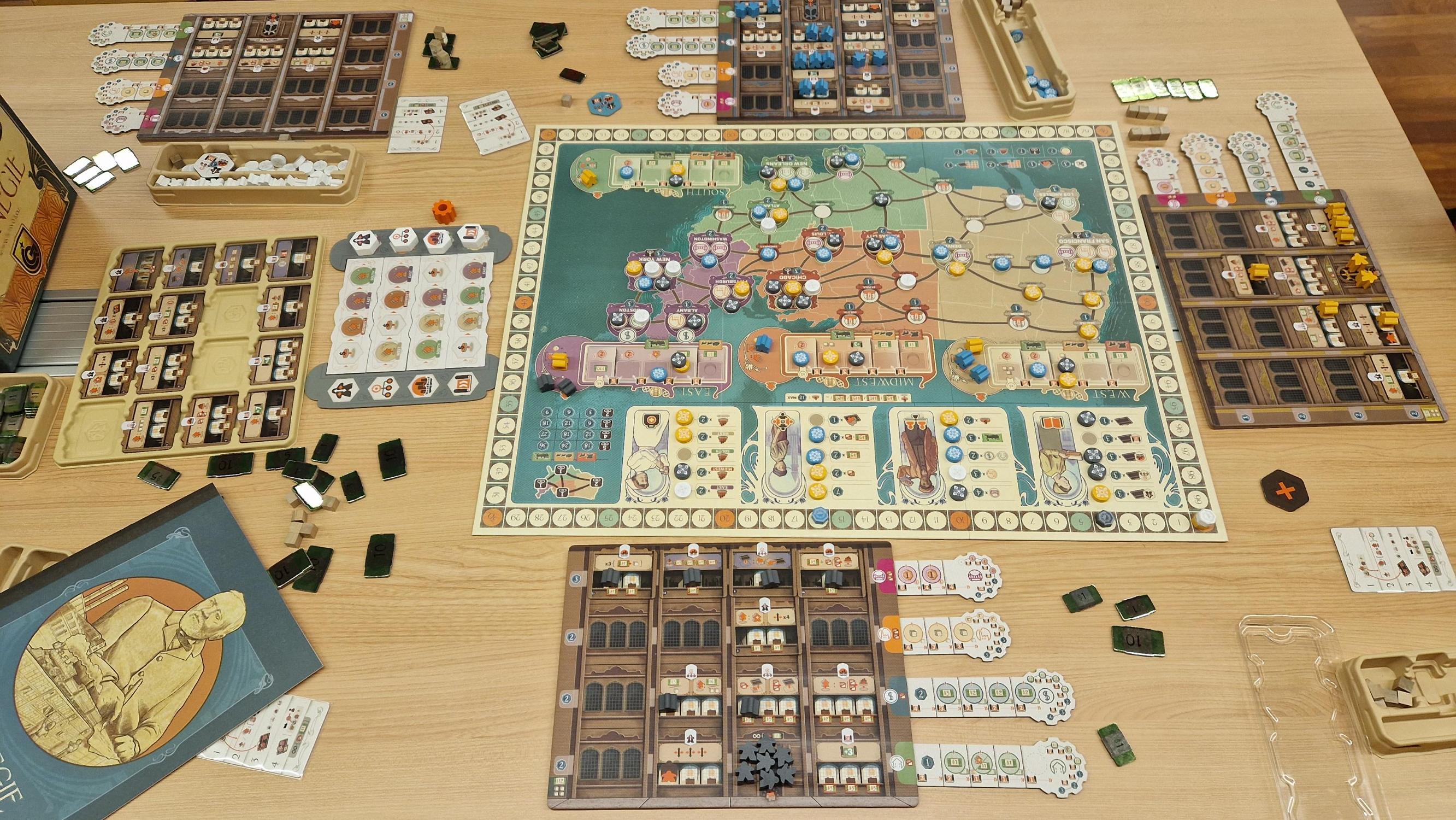
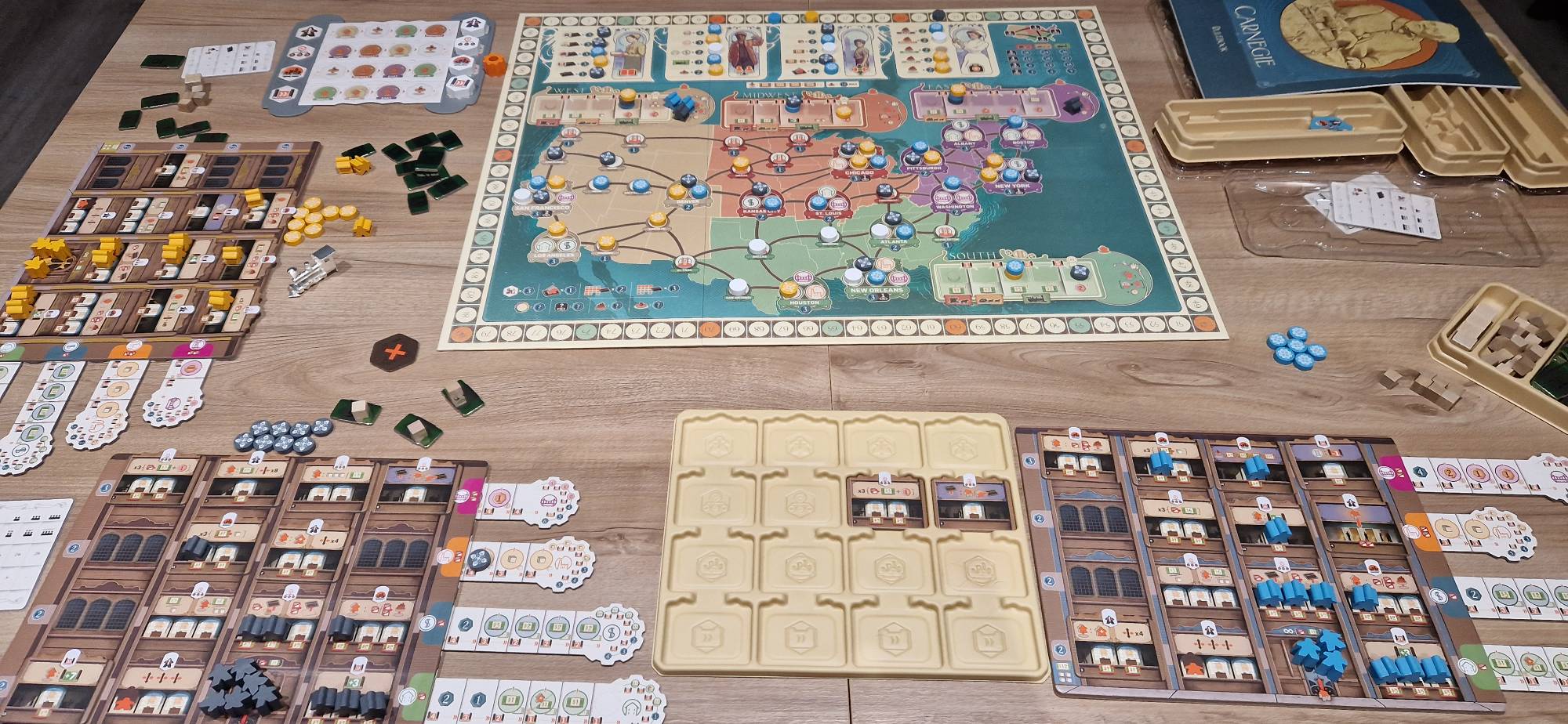
Where to buy it
Shop prices and second-hand copies, checked every day.
On Ludoya's tables
Full stats in Ludoya- 416
- Plays logged
- 532
- Players
- 2h 9m
- Average play
- 147
- In collections
- 39
- On wishlists
7.8/10
from 83 Ludoya reviews
Mestremuten9.0 Rating: 4/5 Production value: 4/4 Is the game in my collection/Love to have?: 1/1
First impressions · 2 plays
andycted7.0 Thought it was worse. The usual German, with a couple of nice ideas but doesn't overstay its welcome. Not a lot of repeatability maybe
First impressions · 1 play
Dídac8.5 Diversió 4/5 · Interacció 4/5 · Atractiu 4/5 · Originalitat 3/5 · Rejugabilitat 4/5 · Accessibilitat 4/5
Played it 12 times

Rules questions
Answered from the rulebook by Ludoya's rules assistant.
Do I have to activate employees when I pick a Timeline row, or can I leave them inactive?
You activate employees only at the end of your turn/round by paying the cost shown under an empty Workstation and standing the employee; you do not have to activate them immediately when selecting a Timeline row (see pages 9 and 13).
How many movement 'moves' do my employees get in Human Resources, and does moving an active employee reduce that total?
At the start of the Human Resources action you calculate moves: each active employee in your HR Department gives 3 moves (the starting permanent employee guarantees at least 3); moving an active employee out of HR does not reduce that already-calculated total (see page 9).
When I take the Construction action, which employee do I send on the Mission and where does the project disk go?
You must send the same employee you used for the Construction action to the Mission area of the region where you wish to build, pay the goods cost, and move the project disk from your project tab onto an unoccupied, matching project space (or a small-town space) in that region (see page 11).
When I recover employees from Missions, do I get transport income immediately and how is it calculated?
Yes — when you recover at least one employee from a Mission you immediately receive transport income equal to your disk's position on that region's transportation track multiplied by the number of employees recovered; you cannot choose a different reward (see page 14).
When can I make a donation, and how much does it cost?
If the space where the Timeline marker is placed shows a donation symbol, each player (starting with first) may make one donation; the first donation costs $5, and each subsequent donation by the same player costs an additional $5 ($10 for the 2nd, $15 for the 3rd, etc.), and you place a disk on the donation chart (see page 14).
Do employees on Missions count as active employees for end-of-game scoring?
No — employees that are on Missions do not count as active (standing) employees for scoring, and the permanent starting HR employee also does not count toward the active-employee total (see page 13).
Official score sheet
Carnegie score sheet
Every scoring category, from the Ludoya kit. On your phone the totals add up by themselves.













Free, on web, Android and iOS
Play Carnegie with Ludoya
- Keep it in your collectionTrack your copy and its expansions, lend it to friends, or put it on your wishlist and get told when the price drops.Add it to your collection
- Log every playScores, winners, timers and photos, then your stats: win rate, favourite player count, best score.Log a play
- Settle rules questionsAsk anything about the rules and get an answer from the rulebook, with the page to check it on.Ask the rules assistant
- Find people to play it withClubs, game nights and events near you that bring this game to the table.See events
Game facts (players, playing time, age, credits) from BoardGameGeek.