
2023 · Ciencia ficción
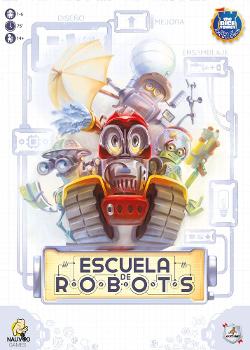
Escuela de robots
Los jugadores asumen el papel de inventores que van reuniendo una colección de robots a lo largo de ocho rondas. En cada ronda, los jugadores asignan poder simultáneamente y realizan varias acciones —mejorar, ensamblar, diseñar, fabricar y reciclar—; cuanto más poder, mejor el efecto de la acción, pero también benefician a los oponentes. Los jugadores construyen y mejoran un motor de piezas y habilidades de robots con estas decisiones, con el objetivo de sumar la mayor cantidad de puntos optimizando el poder y el momento de las acciones, mientras gestionan las consecuencias compartidas sobre sus rivales.
- Jugadores
- 1–6 mejor con 4
- Duración
- 60–90 min
- Edad
- 14+
- Complejidad
- 3,2 / 5
Sobre el juego
- Editorial




Expansiones
Verlas en Ludoya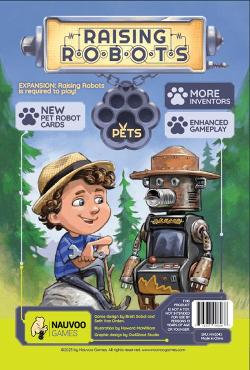

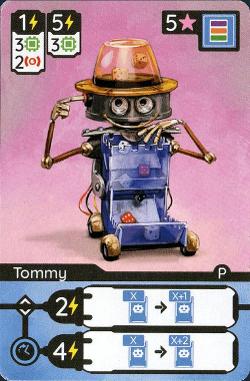
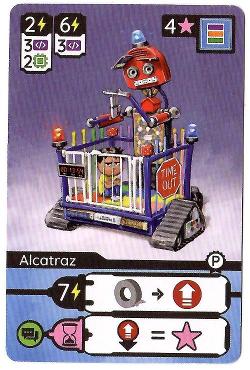
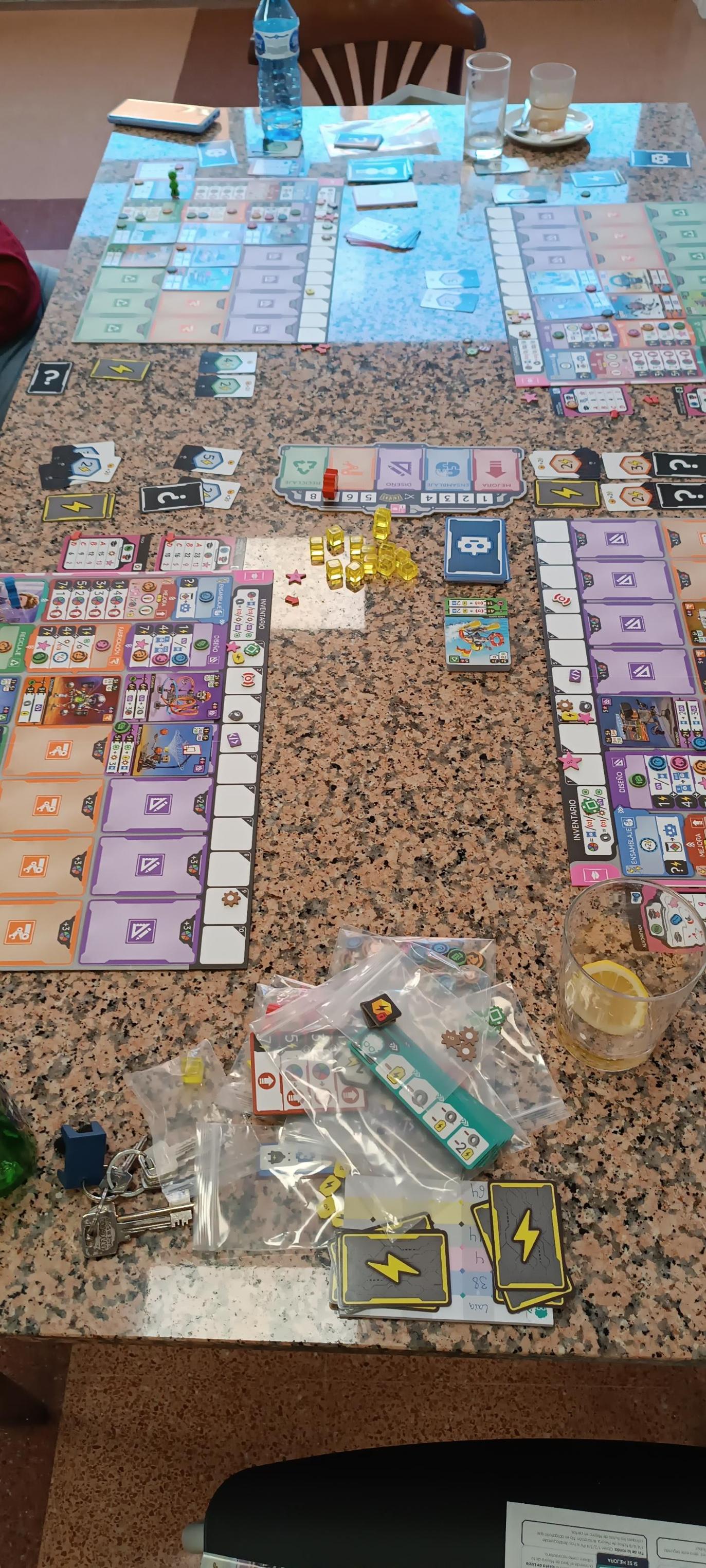
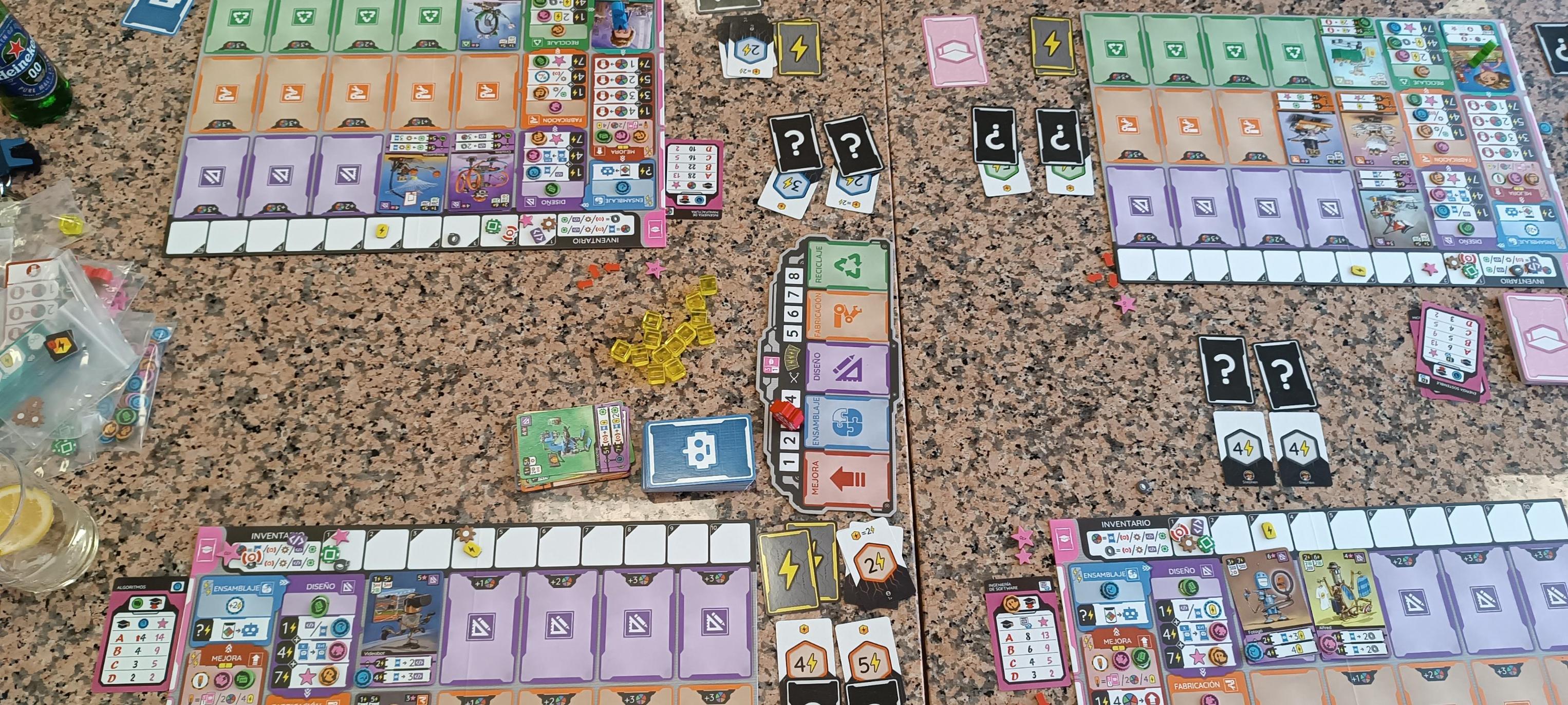
Fotos de mesas de Ludoya
Todas las fotos en Ludoya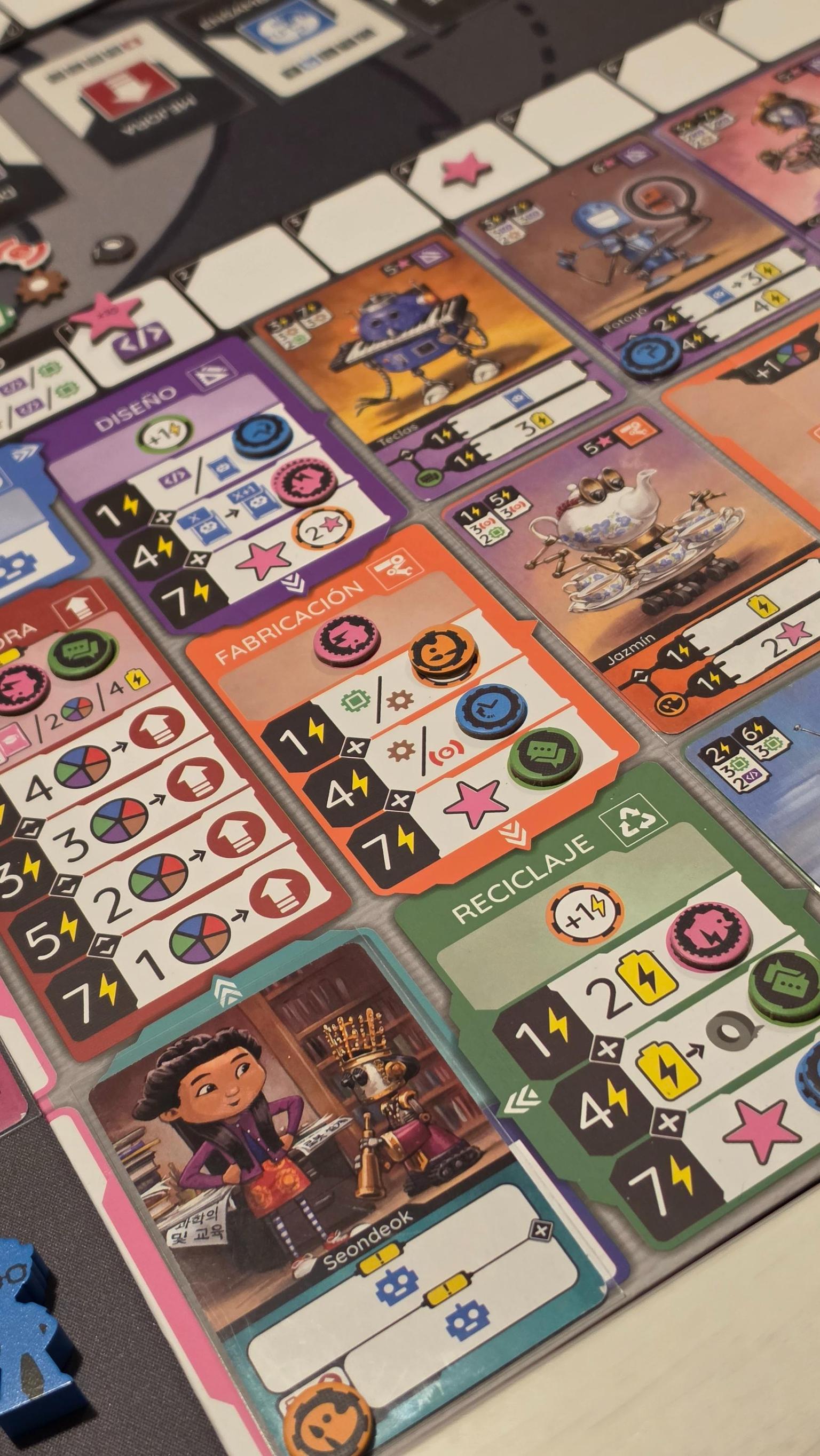
Dónde comprarlo
Precios de tiendas y copias de segunda mano, revisados cada día.
En las mesas de Ludoya
Todas las estadísticas en Ludoya- 63
- Partidas registradas
- 119
- Jugadores
- 1h 38m
- Partida media
- 36
- En colecciones
- 15
- En listas de deseos
7,5/10
de 9 reseñas en Ludoya
- Base -
Primeras impresiones · 1 partida
Sleeved
Primeras impresiones · 1 partida
Diversió 3/5 · Interacció 3/5 · Atractiu 3/5 · Originalitat 3/5 · Rejugabilitat 4/5 · Accessibilitat 4/5
Primeras impresiones · 1 partida



Dudas de reglas
Respondidas a partir del reglamento por el asistente de reglas de Ludoya.
¿Tengo que realizar las fases en el orden del tablero central o puedo saltármelas/cambiarlas de orden?
Las fases siempre se realizan en el orden impreso en cada ronda (Mejorar → Montar → Diseñar → Fabricar → Reciclar), y cada fase debe completarse antes de pasar a la siguiente; solo puedes realizar una fase si asignaste su carta de fase o hay un cubo de energía en esa fase (páginas 11 y 28).
¿Cómo funcionan los Comodines? ¿Puedo guardarlos o gastarlos como cualquier recurso?
Cada Comodín se convierte inmediatamente en un Sensor, Engranaje, Programa, Microchip o carta de Robot al obtenerlo o gastarlo, y los Comodines no se registran en tu Inventario, por lo que no puedes guardar Comodines sin convertir (página 7); ten en cuenta que las cartas de Robot cuentan como una opción de Comodín y que la Cinta Adhesiva se puede gastar como Comodín, pero no se puede obtener a partir de uno (páginas 7 y 26).
Cuando ensamblo un robot, ¿pago el coste total de ensamblaje de inmediato y puedo dividir mi energía para construir varios robots en la misma fase de Ensamblaje?
Al ensamblar, eliges una de las dos columnas de Coste de ensamblaje y pagas inmediatamente los costes de energía y recursos (incluido cualquier Coste de recurso adicional). Además, puedes dividir tu Energía total para ensamblar varias cartas de Robot en la misma Fase de ensamblaje (páginas 14–15, 26).
Si coloco una ficha de mejora en una carta, ¿puedo moverla o quitarla más adelante?
No: una vez que una ficha de mejora desbloqueada se coloca en una carta de Robot, de Clase o de Inventor, no se puede mover de nuevo (página 13).
¿Cuántas cartas de Clase puedo tener y cuándo puntúan?
Puedes tener un máximo de 3 cartas de clase (empiezas con 1 y eliges otra durante el periodo de descanso; puedes conseguir más mediante Inspiración, pero debes reemplazar o descartar cartas si superas el límite), y cada carta de clase se puntúa al final de la partida contando los elementos que cumplen su objetivo y aplicando la tabla de calificaciones (páginas 19–20).
¿Cómo afectan las Baterías a la Energía Total de una fase? ¿Pueden las Baterías permitirme realizar una fase que no asigné?
Cada Batería que gastes añade +1 a la Energía Total de esa fase, y las Baterías se acumulan con las Cartas de Energía, los Cubos de Energía y las mejoras al calcular la Energía Total, pero las Baterías no te permiten realizar una fase para la que no cumples los requisitos (aún debes haber asignado la Carta de Fase o tener allí un Cubo de Energía), y debes determinar la Energía Total antes de realizar las acciones de la fase (páginas 9–10, 26).
















Gratis, en web, Android e iOS
Juega a Escuela de robots con Ludoya
- Tenlo en tu colecciónControla tu copia y sus expansiones, préstala a tus amigos o ponla en tu lista de deseos y te avisamos cuando baje de precio.Añadirlo a tu colección
- Registra cada partidaPuntuaciones, ganadores, temporizadores y fotos, y luego tus estadísticas: porcentaje de victorias, número de jugadores favorito, mejor puntuación.Registrar una partida
- Resuelve dudas de reglasPregunta lo que quieras sobre las reglas y obtén una respuesta sacada del reglamento, con la página donde comprobarla.Preguntar al asistente de reglas
- Encuentra gente con quien jugarloClubes, quedadas de juegos y eventos cerca de ti que sacan este juego a la mesa.Ver eventos
Datos del juego (jugadores, duración, edad, créditos) de BoardGameGeek.