
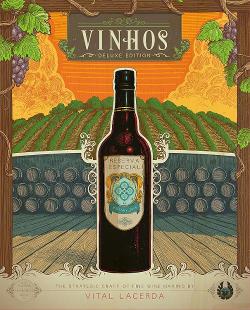
2016 · Industrie / Herstellung
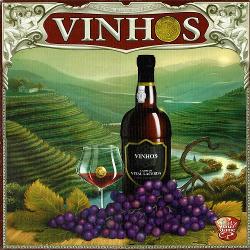
Vinhos: Deluxe Edition
Die Spieler verwalten portugiesische Weinberge über mehrere Erntejahre, bauen Trauben an, wählen Sorten aus, stellen Spezialisten ein und verbessern ihre Weingüter, um Weine unterschiedlicher Qualität zu produzieren. Das Gameplay kombiniert Worker-Placement und wirtschaftliche Entscheidungen: Aktionen von einem gemeinsamen Spielbrett nehmen, in Weinberge und Produktionsanlagen investieren, an Messen teilnehmen und Weine verkaufen oder exportieren, um Geld und Punkte zu verdienen. Die Deluxe-Edition enthält überarbeitete Komponenten, aktualisierte Regeln mit verschlankten Messen und Aktionsplättchen, zwei Spielmodi auf einem doppelseitigen Spielbrett und Soloregeln. Strategische Planung der Produktion, des Marktzeitpunkts und der Einstellung von Experten entscheidet über die Endwertung.
- Spieler
- 1–4 am besten mit 4
- Spielzeit
- 90–180 Min.
- Alter
- 12+
- Komplexität
- 4 / 5
Über das Spiel
- Autoren
- Illustration
- Verlag



Erweiterungen
In Ludoya ansehen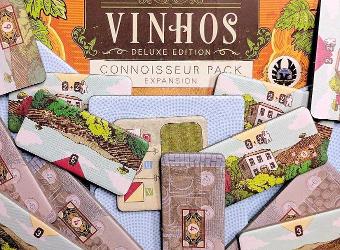
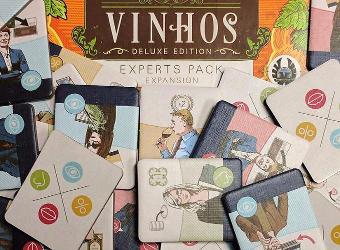
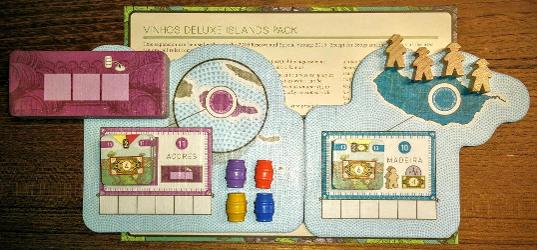
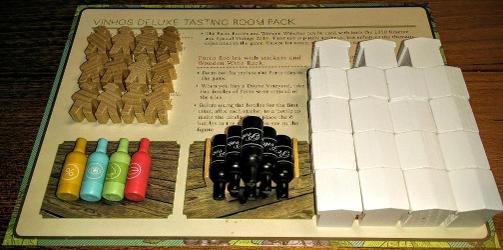
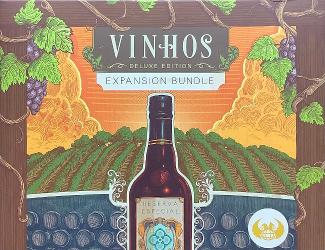
Fotos von Ludoya-Tischen
Alle Fotos in Ludoya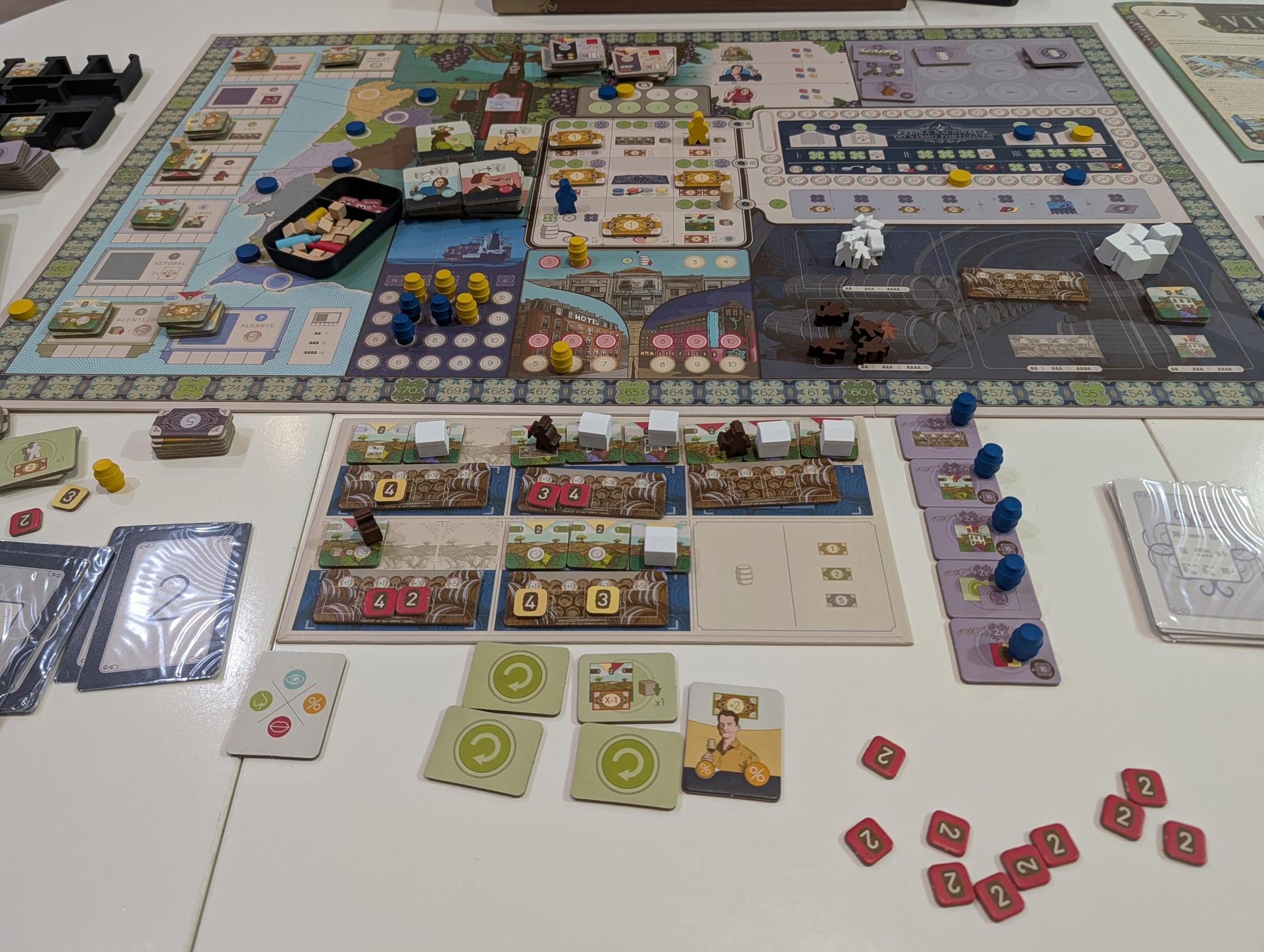
Wo kaufen
Shop-Preise und gebrauchte Exemplare, täglich geprüft.
An Ludoyas Tischen
Alle Statistiken in Ludoya- 239
- Erfasste Partien
- 347
- Spieler
- 2h 30m
- Durchschnittliche Partie
- 107
- In Sammlungen
- 32
- Auf Wunschlisten
7,1/10
aus 45 Ludoya-Rezensionen
Balleflass6,0 I only tried the 2010 version. Felt like a standard worker placement to me. I liked the bank and aging mechanics.
Mestremuten8,0 Rating: 3/5 Production value: 4/4 Is the game in my collection/Love to have?: 1/1
Hard EuroGame about crafting wine at Portugal. I think that the theme doesn't fits as well as in Viticulture, and I didn't enjoy it that much. The game is awesome, but it's very long and tough for me.

Regelfragen
Aus der Spielanleitung beantwortet von Ludoyas Regelassistenten.
How many actions do I get each year — one or two?
Each year every player performs two Actions: everyone takes a 1st Action in the current player order, then player order is adjusted and everyone takes a 2nd Action (pp. 3–4).
When do I have to pay Bagos to move my Action Marker — is movement ever free?
Moving your Action Marker to an adjacent space (orthogonally or diagonally) is free; moving to a non‑adjacent space costs 1 Bago to the common supply, you must pay 1 Bago to each player already on the destination space, and you pay an extra 1 Bago to the common supply if the Year/Taxation marker occupies that space; moving to Pass/Press Release is always free (p. 4).
How is a Wine's Value calculated when I sell, export, or present it at the Fair?
Wine Value = the Wine Quality (tile) + cellar aging bonus (+1, +3 or +5 depending on cellar aging) + optional Region Renown bonus (remove 1 or 2 cubes to add +1 per cube, or +2 per cube for Alentejo) + +1 if the wine is from Algarve; removed Renown cubes are returned to the supply (p. 9).
Who may use Region Renown cubes, and can I remove them even if I don't need them?
Any player who has an Estate (a Region Marker) in that region may use its Renown cubes, but you may only remove Renown cubes when you need them to reach the required value of a Sales or Export slot — you cannot remove them gratuitously (pp. 9–10).
If I do a Press Release, can I take barrels from all three Magnates?
A Press Release lets you take up to two barrels total, at most one from each of two different Magnates’ spaces, and only if the announced Wine meets each Magnate’s current expectation (pp. 12–13).
How many Wine Experts can I buy and how many can I use per turn or at the Fair?
You may hire 1 or 2 Wine Experts when taking the Wine Experts action and pay 1 Bago per Expert (p. 11); during your turn you may flip one Expert face‑down to use its special ability (only one ability per turn), and at the Fair you may discard applicable face‑up Experts to gain Fair Points as indicated (pp. 11–12).











Kostenlos, im Web, für Android und iOS
Spiel Vinhos: Deluxe Edition mit Ludoya
- Hab es in deiner SammlungVerwalte dein Exemplar und seine Erweiterungen, leih es Freunden oder setz es auf deine Wunschliste und erfahre, wenn der Preis fällt.Zur Sammlung hinzufügen
- Erfasse jede PartiePunkte, Sieger, Timer und Fotos, dann deine Statistiken: Siegquote, liebste Spielerzahl, beste Punktzahl.Partie erfassen
- Regelfragen klärenFrag alles zu den Regeln und erhalte eine Antwort aus der Spielanleitung, mit der Seite zum Nachprüfen.Den Regelassistenten fragen
- Finde Leute, mit denen du es spielstClubs, Spieleabende und Veranstaltungen in deiner Nähe, bei denen dieses Spiel auf den Tisch kommt.Veranstaltungen ansehen
Spieldaten (Spieler, Spielzeit, Alter, Mitwirkende) von BoardGameGeek.